
Explain the difference between echo, print, print_r(), and var_dump().
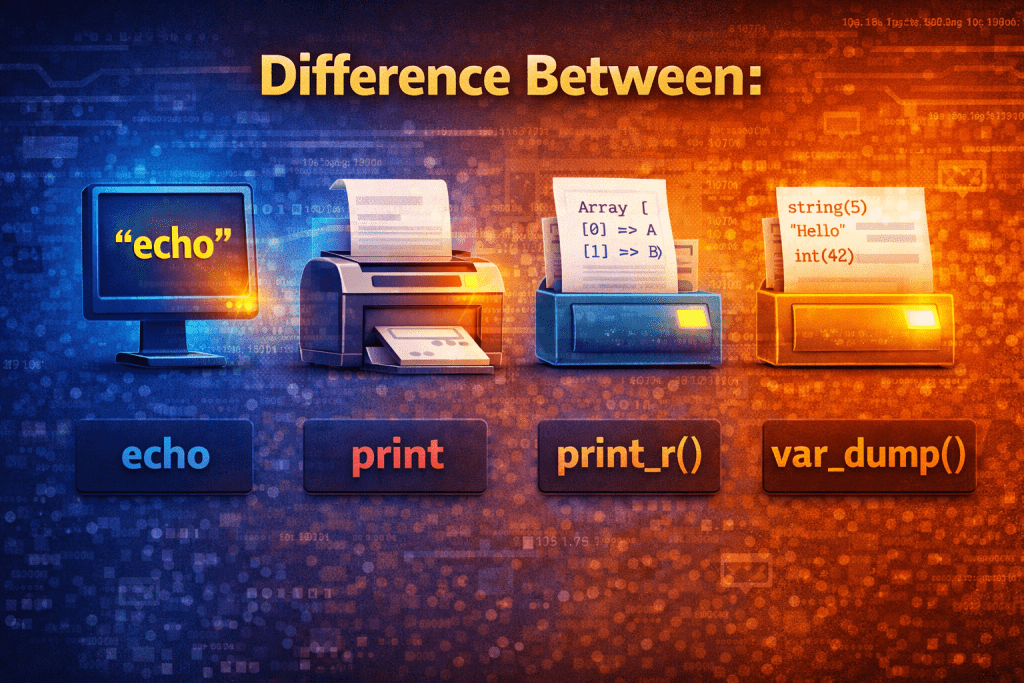
In PHP, echo, print, print_r(), and var_dump() are all used to output data, but they serve different purposes and behave differently. Let’s go step by step:
1. echo
- Type: Language construct (not a function).
- Purpose: Outputs one or more strings.
- Return value: No return value.
- Usage: Can take multiple parameters separated by commas.
- Example:
echo "Hello, World!";
echo "Hello", " ", "World!";
- Notes: Fastest way to output strings. Cannot return a value, so can’t be used in expressions.
2. print
- Type: Language construct (similar to
echo). - Purpose: Outputs a string.
- Return value: Returns
1, so it can be used in expressions. - Usage: Only takes one argument.
- Example:
print "Hello, World!";
$result = print "Hello"; // $result will be 1
- Notes: Slightly slower than
echobut can be used in expressions because it returns a value.
3. print_r()
- Type: Function.
- Purpose: Prints human-readable information about a variable, especially arrays and objects.
- Return value: Returns
trueif output succeeds (or1in older versions) but can return output as a string if second parameter istrue. - Usage: Mostly used for debugging.
- Example:
$arr = [1, 2, 3];
print_r($arr);
Output:
Array
(
    [0] => 1
    [1] => 2
    [2] => 3
)
- Notes: Good for quickly checking arrays or objects in a readable format. Less detailed than
var_dump().
4. var_dump()
- Type: Function.
- Purpose: Dumps detailed information about a variable including its type and value.
- Return value: None.
- Usage: Mostly for debugging purposes.
- Example:
$arr = [1, 2, 3];
var_dump($arr);
Output:
array(3) {
  [0]=>
  int(1)
  [1]=>
  int(2)
  [2]=>
  int(3)
}
- Notes: Best for debugging because it shows type, length, and value. Works on any variable type.
Summary Table
| Feature | echo | print | print_r() | var_dump() |
|---|---|---|---|---|
| Type | Language construct | Language construct | Function | Function |
| Takes multiple args | Yes | No | No | No |
| Returns value | No | 1 | true/string | None |
| Shows type | ❌ | ❌ | ❌ (only structure) | ✅ |
| Best for | Simple output | Simple output, expressions | Arrays/objects debugging | Detailed debugging |
✅ Key takeaway:
- Use
echofor simple string output. - Use
printif you need a return value. - Use
print_r()for readable arrays/objects. - Use
var_dump()for detailed debugging with type info.
No comments yet! You be the first to comment.