
What is undefined and null in JavaScript?
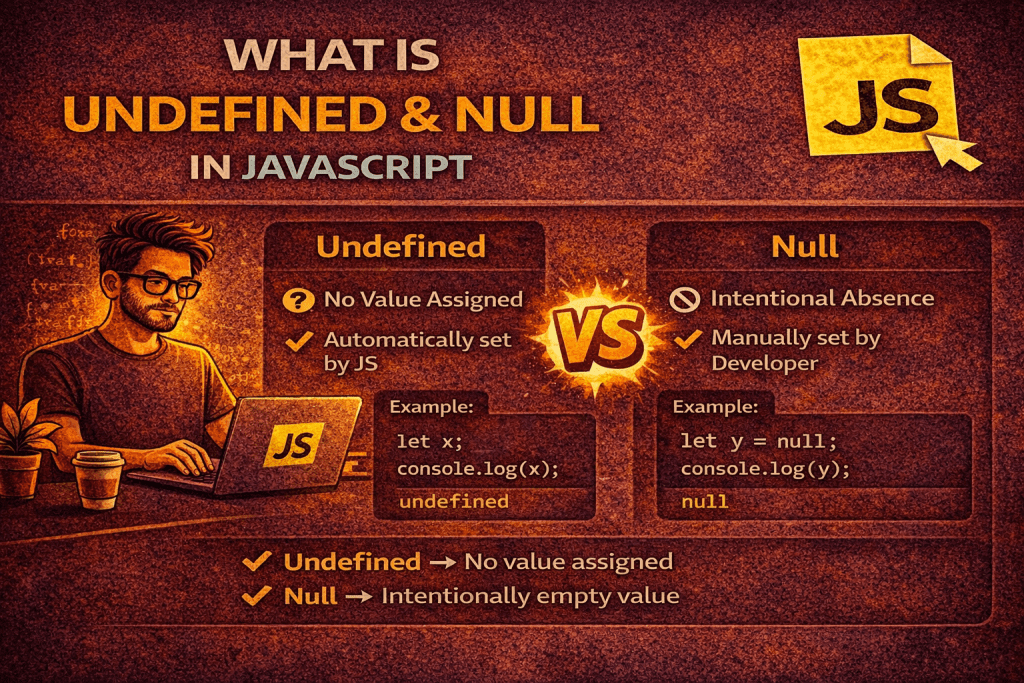
In JavaScript, undefined and null are two distinct types that represent the absence of a value, but they are used in different contexts and have different meanings. Let’s break it down clearly:
1. undefined
- Type:
undefined - Meaning: A variable that has been declared but not assigned any value is
undefined. - Automatically assigned: JavaScript automatically assigns
undefinedto variables that are declared but not initialized, function parameters that are missing, or properties that don’t exist in an object.
Examples:
let a;
console.log(a); // undefined

function test(x) {
  console.log(x);
}
test(); // undefined, because no argument was passed

let obj = {};
console.log(obj.name); // undefined, property doesn't exist
2. null
- Type:
object(yes, confusinglytypeof nullreturns"object") - Meaning:
nullis an intentional absence of any value. You assign it to a variable to indicate “no value” explicitly. - Used by developers to denote that a variable should be empty.
Examples:
let b = null;
console.log(b); // null

let user = {
  name: "John",
  age: null // age is intentionally set to null
};
console.log(user.age); // null
3. Key Differences
| Feature | undefined | null |
|---|---|---|
| Type | undefined | object |
| Assigned by | JavaScript automatically | Developer explicitly |
| Meaning | Variable exists but has no value | No value, intentionally empty |
| Equality | undefined == null → true | undefined === null → false |
✅ Summary:
- Use
undefinedwhen a value is missing automatically (JS default). - Use
nullwhen you want to explicitly indicate that a variable is empty.
No comments yet! You be the first to comment.