
What are template literals in JavaScript?
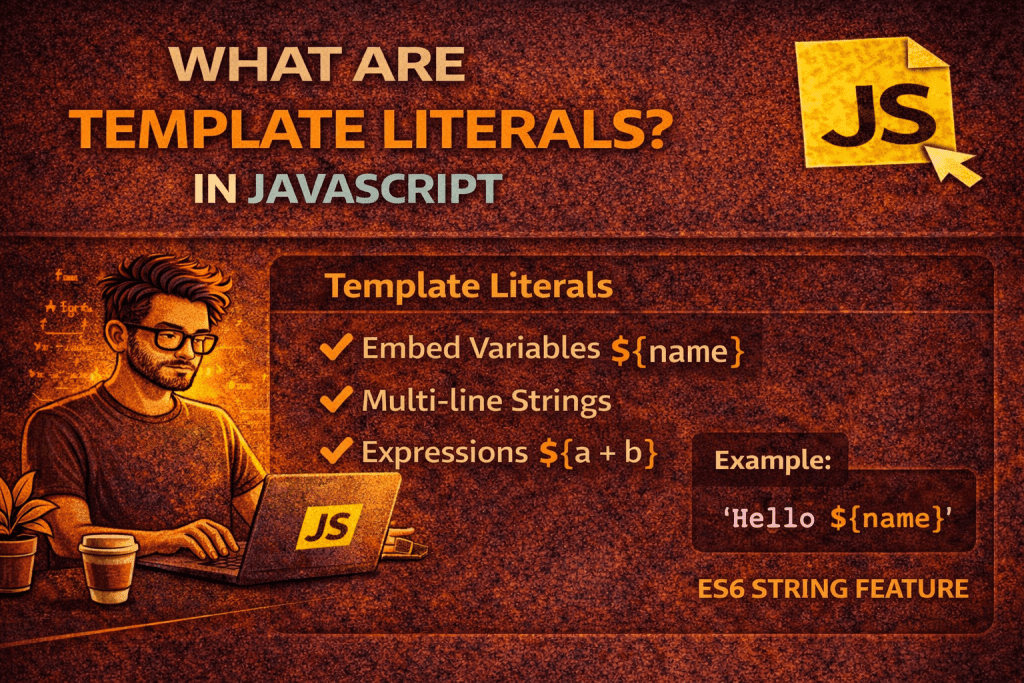
Template literals in JavaScript are a way to create strings that allow embedded expressions, multi-line strings, and string interpolation. They were introduced in ES6 (ECMAScript 2015) and are enclosed using backticks ` instead of single ' or double " quotes.
Here’s a detailed breakdown:
1. Basic Syntax
const name = "Himanshu";
const greeting = `Hello, ${name}!`;
console.log(greeting); // Output: Hello, Himanshu!
${name}is string interpolation, which lets you embed variables or expressions directly into the string.
2. Multi-line Strings
Before ES6, creating multi-line strings required \n:
// Old way
const oldString = "Hello\nWorld";
With template literals, it’s simpler:
const multiLine = `Hello
World`;
console.log(multiLine);
/* Output:
Hello
World
*/
3. Expression Interpolation
You can include any JavaScript expression inside ${}:
const a = 5;
const b = 10;
console.log(`The sum of a and b is ${a + b}`); // Output: The sum of a and b is 15
4. Tagged Templates (Advanced)
You can define a function to process a template literal:
function highlight(strings, ...values) {
  return strings.reduce((result, str, i) => `${result}${str}<b>${values[i] || ''}</b>`, '');
}

const name = "Himanshu";
const age = 27;
console.log(highlight`My name is ${name} and I am ${age} years old.`);
// Output: My name is <b>Himanshu</b> and I am <b>27</b> years old.
- Tagged templates allow custom processing of strings and embedded expressions.
✅ Key Points
- Use backticks
`for template literals. - Supports multi-line strings without
\n. - Supports expression interpolation with
${expression}. - Can be used with tagged functions for advanced string processing.
No comments yet! You be the first to comment.