
What is a callback function?
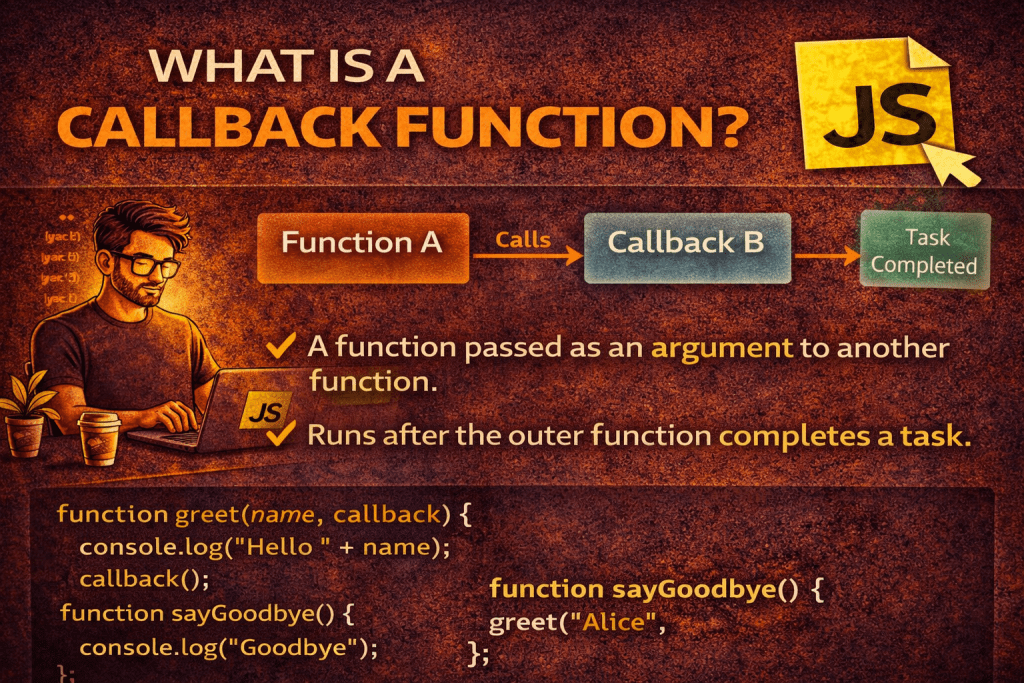
A callback function is a function that is passed as an argument to another function, and then executed later (called back) inside that function, often after some task or operation is completed.
It allows you to control when and how a function should be executed, enabling asynchronous behavior, event handling, and reusability in programming.
Example in JavaScript:
function greet(name, callback) {
    console.log("Hello, " + name);
    callback(); // calling the function passed as argument
}

function sayGoodbye() {
    console.log("Goodbye!");
}

greet("Himanshu", sayGoodbye);
Output:
Hello, Himanshu
Goodbye!
Here:
sayGoodbyeis passed as a callback togreet.- After greeting,
greetcalls the callback.
Key Points:
- A callback is just a function reference passed as an argument.
- It can be executed synchronously (immediately) or asynchronously (later, e.g., after a delay or API call).
- Commonly used in:
- Event listeners
- Asynchronous operations (e.g.,
setTimeout, API requests) - Array methods (
map,filter,forEach)
1. Waiting for a task to finish
Imagine you order food online. You don’t want to sit and wait; instead, you tell the restaurant:
“Call me when the food is ready.”
Here:
- You → the callback function
- Restaurant → the function doing the main task
- Food ready → the event after which your callback is executed
In code:
function orderFood(callback) {
    console.log("Ordering food...");
    setTimeout(() => {
        console.log("Food is ready!");
        callback(); // notify customer
    }, 3000); // 3 seconds delay
}

function notifyCustomer() {
    console.log("Customer notified: Enjoy your meal!");
}

orderFood(notifyCustomer);
Output:
Ordering food...
Food is ready!
Customer notified: Enjoy your meal!
Here, notifyCustomer is called only after the food is ready, thanks to the callback.
2. Handling user actions (Events)
Think of a website button:
When you click it, something should happen.
document.getElementById("btn").addEventListener("click", function() {
    alert("Button clicked!");
});
The function inside addEventListener is a callback. The browser calls it later when the user clicks the button.
3. Processing data after fetching from API
When you get data from a server, you can’t use it immediately because it takes time to arrive.
function fetchData(callback) {
    setTimeout(() => {
        let data = { name: "Himanshu", age: 27 };
        callback(data);
    }, 2000);
}

fetchData(function(result) {
    console.log("Data received:", result);
});
Here, callback runs only after the data is ready.
✅ Summary of why callbacks are needed:
- To execute code after a task completes (like food delivery, API response).
- To react to events (like user clicks).
- To avoid blocking the program — the main task can continue while waiting.