
How to handle keyboard events?
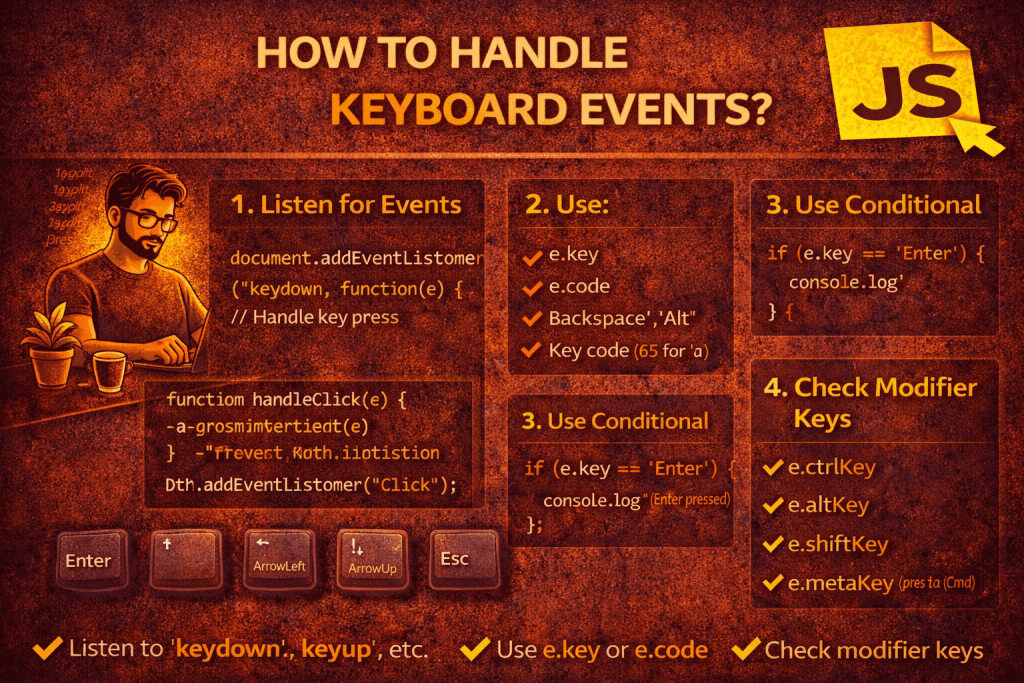
Keyboard events in JavaScript let you detect when a user presses, holds, or releases a key. These are commonly used for things like shortcuts, form handling, and navigation.
🔑 Types of Keyboard Events
- keydown – Fires when a key is pressed down (fires repeatedly if the key is held).
- keypress – (deprecated) – Was used for character-producing keys only. Avoid using this.
- keyup – Fires when a key is released.
✨ Example: Basic Key Handling
document.addEventListener("keydown", function(event) {
  console.log("Key down:", event.key);   // e.g., "a", "Enter"
});

document.addEventListener("keyup", function(event) {
  console.log("Key up:", event.key);
});
🎯 Useful event Properties
- event.key → The character value (e.g.,
"a","Enter","ArrowUp"). - event.code → The physical key on the keyboard (e.g.,
"KeyA","ArrowLeft"). - event.altKey / event.ctrlKey / event.shiftKey / event.metaKey → Boolean values indicating if modifier keys were pressed.
document.addEventListener("keydown", function(event) {
  if (event.ctrlKey && event.key === "s") {
    event.preventDefault();  // stop browser’s Save dialog
    console.log("Ctrl + S shortcut detected!");
  }
});
⌨️ Example: Arrow Key Navigation
document.addEventListener("keydown", function(event) {
  switch(event.key) {
    case "ArrowUp":
      console.log("Move up");
      break;
    case "ArrowDown":
      console.log("Move down");
      break;
    case "ArrowLeft":
      console.log("Move left");
      break;
    case "ArrowRight":
      console.log("Move right");
      break;
  }
});
⚠️ Best Practices
- Use
event.keyfor readable key names (instead of oldkeyCode). - Always use
preventDefault()if you don’t want the browser’s default action (like space scrolling). - Use event delegation if handling keys inside a specific input/area.
- Be mindful of accessibility – don’t block standard navigation keys unnecessarily.
No comments yet! You be the first to comment.