
What are the different data types in MySQL?
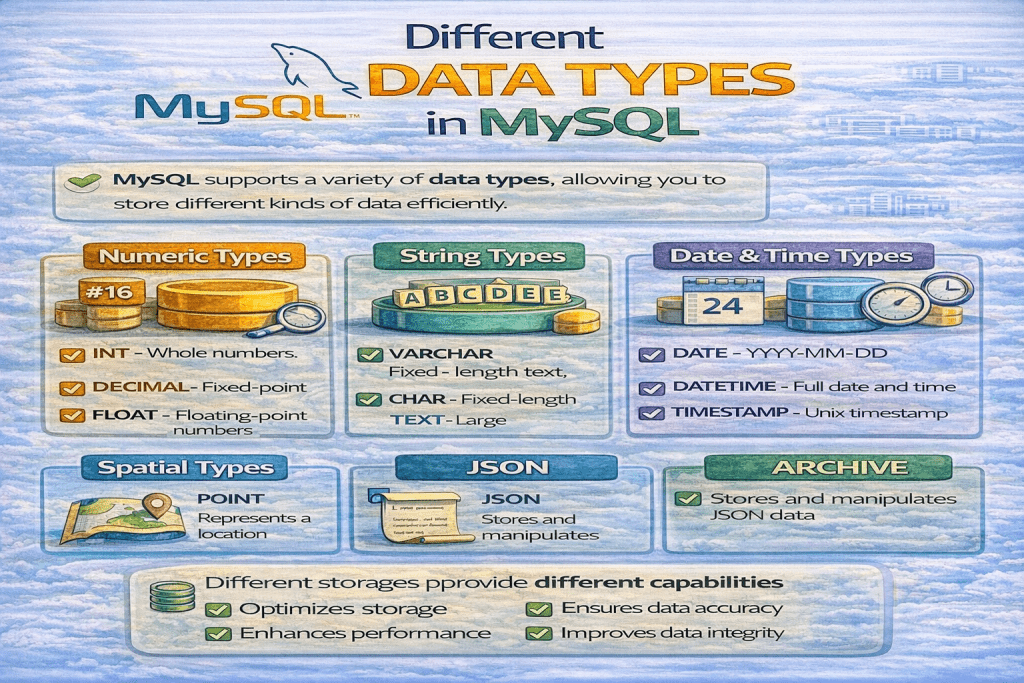
In MySQL, data types define the kind of values that can be stored in a column. They are broadly categorized into three main groups: Numeric, Date & Time, and String (Character) types. Here’s a detailed breakdown:
1. Numeric Data Types
Used to store numbers. They are divided into integer types and floating-point/decimal types.
a) Integer types (whole numbers):
| Type | Storage | Range (Signed) |
|---|---|---|
| TINYINT | 1 byte | -128 to 127 |
| SMALLINT | 2 bytes | -32,768 to 32,767 |
| MEDIUMINT | 3 bytes | -8,388,608 to 8,388,607 |
| INT / INTEGER | 4 bytes | -2,147,483,648 to 2,147,483,647 |
| BIGINT | 8 bytes | -9,223,372,036,854,775,808 to 9,223,372,036,854,775,807 |
b) Floating-point types (decimal numbers):
| Type | Description |
|---|---|
| FLOAT | Single-precision floating-point |
| DOUBLE / REAL | Double-precision floating-point |
| DECIMAL / NUMERIC | Exact fixed-point numbers (used for money) |
2. Date & Time Data Types
Used to store dates, times, or both.
| Type | Format / Example |
|---|---|
| DATE | YYYY-MM-DD (e.g., 2025-08-16) |
| DATETIME | YYYY-MM-DD HH:MM:SS |
| TIMESTAMP | YYYY-MM-DD HH:MM:SS (auto-updates on row change) |
| TIME | HH:MM:SS |
| YEAR | YYYY (e.g., 2025) |
3. String (Character) Data Types
Used to store text or binary data.
a) Character types:
| Type | Description |
|---|---|
| CHAR(n) | Fixed-length string, up to 255 characters |
| VARCHAR(n) | Variable-length string, up to 65535 characters depending on row size |
b) Text types (large strings):
| Type | Max Size |
|---|---|
| TINYTEXT | 255 bytes |
| TEXT | 65,535 bytes (64 KB) |
| MEDIUMTEXT | 16,777,215 bytes (16 MB) |
| LONGTEXT | 4,294,967,295 bytes (4 GB) |
c) Binary types:
| Type | Description |
|---|---|
| BINARY(n) | Fixed-length binary data |
| VARBINARY(n) | Variable-length binary data |
| BLOB | Binary Large Object (TINYBLOB, BLOB, MEDIUMBLOB, LONGBLOB) |
4. Other Special Types
- ENUM: A string object that can have only one value from a defined list. Example:
ENUM('small', 'medium', 'large'). - SET: A string object that can have zero or more values from a defined list. Example:
SET('a','b','c').
💡 Tips:
- Use INT for numbers without decimals.
- Use DECIMAL for precise financial calculations.
- Use VARCHAR for variable-length text to save storage.
- Use DATETIME or TIMESTAMP for date-time values depending on whether you want auto-updates.
No comments yet! You be the first to comment.