
What is EXPLAIN in MySQL?
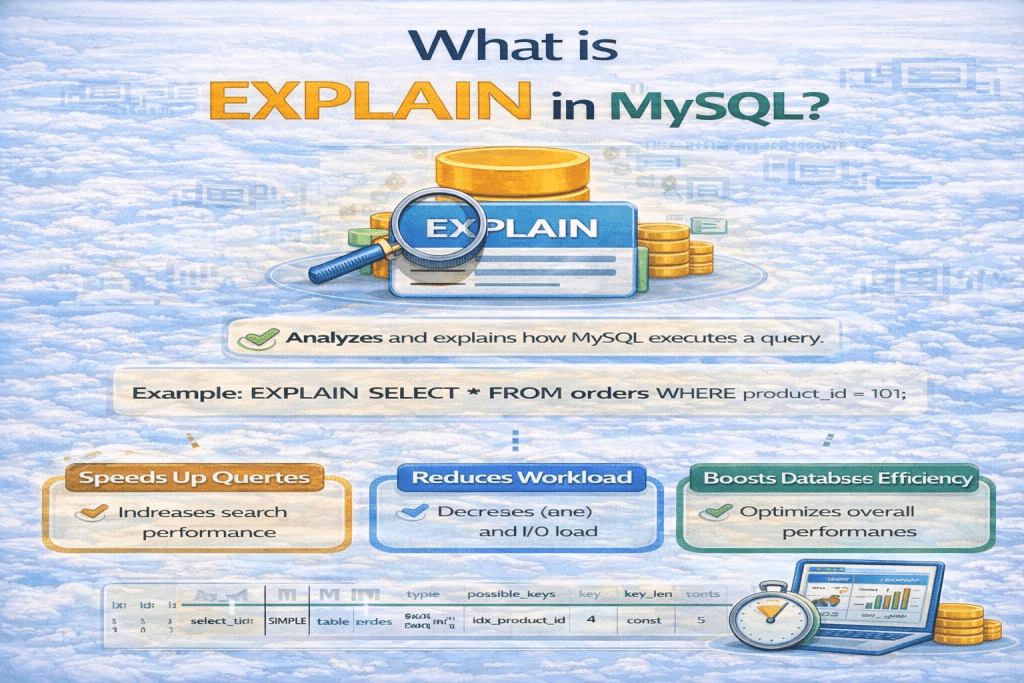
In MySQL, EXPLAIN is a powerful statement used to analyze and understand how a query is executed by the database. It provides insight into the query execution plan, helping you optimize performance.
Here’s a detailed breakdown:
Purpose
- To see how MySQL executes a
SELECT,DELETE,INSERT,UPDATEorREPLACEquery. - Helps identify bottlenecks (e.g., full table scans, missing indexes).
- Useful for query optimization.
Basic Syntax
EXPLAIN SELECT * FROM employees WHERE department_id = 5;
You can also use:
EXPLAIN EXTENDED SELECT * FROM employees WHERE department_id = 5;
What EXPLAIN Shows
When you run EXPLAIN, you get a table with columns like:
| Column | Description |
|---|---|
id | Query identifier (shows the order of execution). |
select_type | Type of query (e.g., SIMPLE, PRIMARY, SUBQUERY, DERIVED). |
table | The table being accessed. |
type | Join type or access method (e.g., ALL, index, ref, eq_ref). |
possible_keys | Indexes MySQL could use. |
key | Index actually used. |
key_len | Length of the index used. |
ref | Columns compared to the index. |
rows | Estimated number of rows MySQL will examine. |
Extra | Additional info (e.g., “Using where”, “Using filesort”). |
Example
EXPLAIN SELECT * FROM employees WHERE department_id = 5;
Output might look like:
| id | select_type | table | type | possible_keys | key | key_len | ref | rows | Extra |
|---|---|---|---|---|---|---|---|---|---|
| 1 | SIMPLE | employees | ref | dept_idx | dept_idx | 4 | const | 10 | Using where |
- Here, MySQL uses the
dept_idxindex to filter bydepartment_id. - It expects to examine 10 rows, not the whole table, which is efficient.
Key Takeaways
EXPLAINis essential for query optimization.- It helps you identify full table scans, missing indexes, or inefficient joins.
- Use it whenever you need to tune queries for performance.
No comments yet! You be the first to comment.