
MySQL Indexing & Performance: A Complete Guide
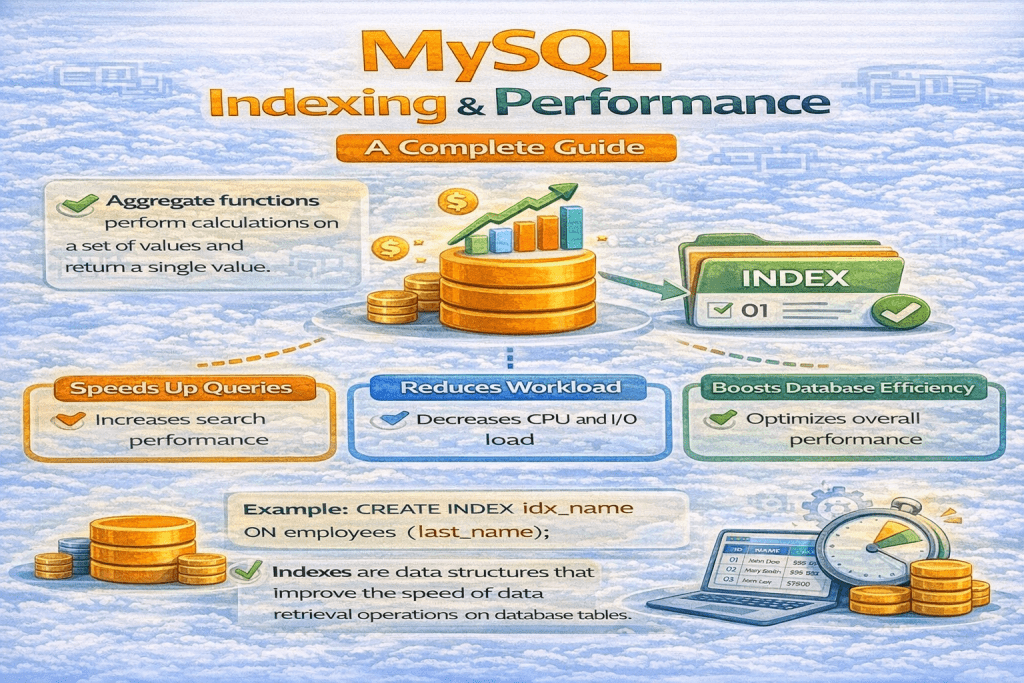
When working with large datasets in MySQL, query performance becomes critical. Indexing is one of the most powerful ways to improve database performance. In this guide, we’ll cover everything you need to know about indexes in MySQL and how they affect performance.
1. What is an Index in MySQL?
An index in MySQL is a database structure that improves the speed of data retrieval operations on a table. It works like a table of contents in a book — instead of scanning every row, MySQL uses the index to quickly locate the required data.
Example:
Without an index,
SELECT * FROM employees WHERE last_name='Sharma'; scans every row.
With an index on last_name, MySQL directly jumps to matching rows.
2. Types of Indexes in MySQL
MySQL supports several types of indexes:
- Primary Index – Automatically created with a primary key.
- Unique Index – Ensures column values are unique.
- Composite Index – Index on multiple columns.
- Full-Text Index – Optimized for text searching.
- Foreign Key Index – Helps speed up joins and enforces referential integrity.
- Regular Index (Non-Unique Index) – Speeds up queries but allows duplicates.
3. What is a Primary Index?
A primary index is automatically created when you define a primary key on a table. It uniquely identifies each record.
- Only one primary index is allowed per table.
- Cannot have NULL values.
Example:
CREATE TABLE employees (
    emp_id INT PRIMARY KEY,
    name VARCHAR(50)
);
4. What is a Unique Index?
A unique index ensures that no two rows have the same value for the indexed column(s). Unlike primary keys, a table can have multiple unique indexes, and NULL values are allowed (depending on the column definition).
Example:
CREATE UNIQUE INDEX idx_email ON employees(email);
5. What is a Composite Index?
A composite index is an index on multiple columns. It is useful when queries filter on more than one column.
Example:
CREATE INDEX idx_name_dept ON employees(name, department);
- Efficient for queries like:
SELECT * FROM employees WHERE name='Himanshu' AND department='IT';
6. How Does Indexing Improve Performance?
Indexes reduce the amount of data scanned by MySQL, which:
- Speeds up
SELECTqueries. - Reduces I/O operations.
- Helps the optimizer choose better query execution plans.
Trade-off: Indexes consume storage and can slow down INSERT, UPDATE, and DELETE operations because indexes must also be updated.
7. Clustered vs Non-Clustered Index
| Feature | Clustered Index | Non-Clustered Index |
|---|---|---|
| Data Storage | Data stored with index order | Separate from data |
| Primary Key | Usually the primary key | Can be any column |
| Lookup Speed | Faster for range queries | Slightly slower |
| Table Rows | Only one clustered index per table | Multiple allowed |
In MySQL (InnoDB): The primary key is always a clustered index.
8. How to Create an Index in MySQL
Syntax:
CREATE INDEX index_name
ON table_name(column_name);
Examples:
CREATE INDEX idx_lastname ON employees(last_name);
CREATE INDEX idx_name_dept ON employees(name, department);
9. How to Drop an Index
Syntax:
DROP INDEX index_name ON table_name;
Example:
DROP INDEX idx_lastname ON employees;
10. What is a Full-Text Index?
A full-text index is used for searching text-based columns efficiently. It supports natural language searches and boolean searches.
Example:
CREATE FULLTEXT INDEX idx_resume ON employees(resume);
SELECT * FROM employees WHERE MATCH(resume) AGAINST('Python developer');
11. What is a Foreign Key Index?
A foreign key index is automatically created when you define a foreign key. It speeds up joins between tables and enforces referential integrity.
Example:
CREATE TABLE orders (
    order_id INT PRIMARY KEY,
    emp_id INT,
    FOREIGN KEY (emp_id) REFERENCES employees(emp_id)
);
12. How to Optimize Queries in MySQL
- Use Indexes Wisely – Add indexes on columns used in
WHERE,JOIN,ORDER BY,GROUP BY. - Avoid SELECT * – Only select required columns.
- Use LIMIT – Restrict results if not all rows are needed.
- Optimize Joins – Join on indexed columns.
- Analyze Query Execution – Use
EXPLAINto understand performance.
13. How to Check Query Execution Plan
EXPLAIN shows how MySQL executes a query:
EXPLAIN SELECT * FROM employees WHERE last_name='Sharma';
Output Columns:
id– Query sequence numberselect_type– Type of SELECTtable– Table nametype– Join type (e.g., ALL, index, ref)possible_keys– Indexes that could be usedkey– Index actually usedrows– Rows MySQL expects to examineExtra– Additional info (e.g., Using index, Using where)
Tip: Lower rows scanned means better performance.
Conclusion
Indexing is crucial for MySQL performance. Understanding the different types of indexes, how they work, and how to analyze query execution can drastically reduce query times. Always balance between read performance and write overhead when creating indexes.