
Stored Procedures and Triggers in MySQL: Complete Guide
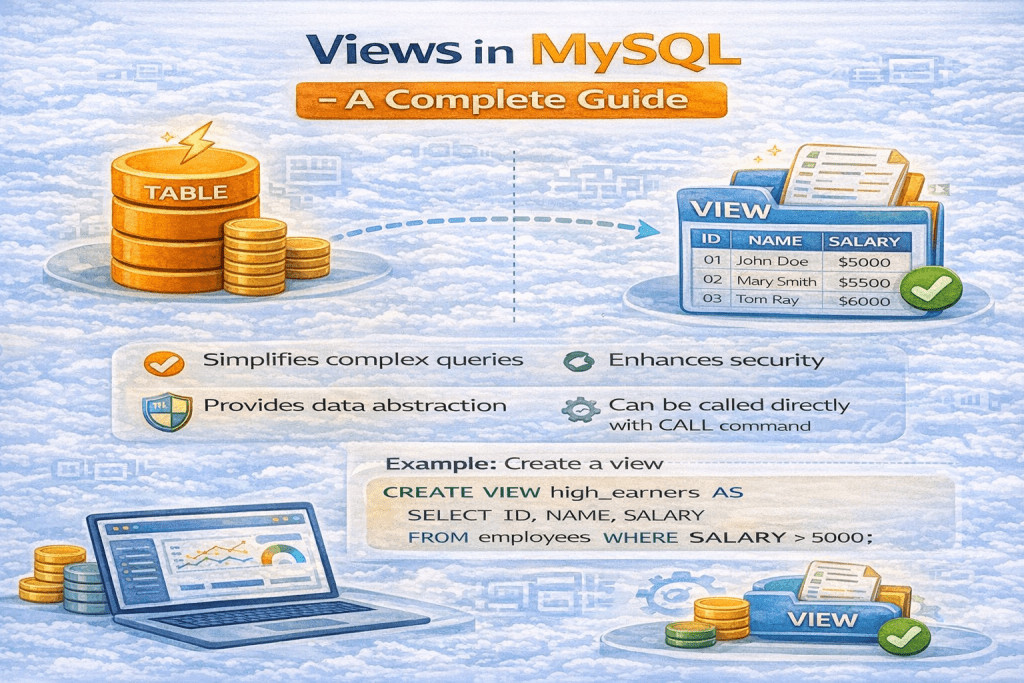
Databases are not just about storing data—they also allow you to automate and encapsulate business logic. Stored procedures and triggers are two powerful features in MySQL that help you achieve this.
1. Stored Procedures
What is a Stored Procedure?
A stored procedure is a set of SQL statements that you can save and reuse. Think of it as a “function” inside your database. Once created, you can call it multiple times with different parameters.
Key Points:
- Stored in the database.
- Accepts input parameters and can return output.
- Helps reduce client-server traffic.
- Centralizes logic in the database.
Benefits of Stored Procedures
- Reusability: Write once, call many times.
- Performance: Reduces the amount of SQL sent over the network.
- Security: Can restrict direct access to tables; users call procedures instead.
- Maintainability: Changes are centralized; no need to modify application code.
Syntax of Stored Procedures
CREATE PROCEDURE procedure_name (IN param1 INT, OUT param2 VARCHAR(50))
BEGIN
    -- SQL statements
    SELECT * FROM employees WHERE id = param1;
    SET param2 = 'Procedure executed';
END;

//EXAMPLE

DELIMITER $$

CREATE PROCEDURE insert_dummy_data()
BEGIN
    DECLARE i INT DEFAULT 1;
    WHILE i <= 100 DO
        INSERT INTO students (name, age, email)
        VALUES (CONCAT('Student', i), FLOOR(18 + RAND()*5), CONCAT('student', i, '@example.com'));
        SET i = i + 1;
    END WHILE;
END $$

DELIMITER ;

CALL insert_dummy_data();

//FOR SELECT

SHOW PROCEDURE STATUS WHERE Db = 'study_db';

//FOR DROP

DROP PROCEDURE IF EXISTS insert_dummy_students;IN– Input parameterOUT– Output parameterINOUT– Both input and output
Example: Simple Stored Procedure
DELIMITER $$

CREATE PROCEDURE GetEmployeeByID(IN empID INT)
BEGIN
    SELECT * FROM employees WHERE id = empID;
END$$

DELIMITER ;

-- Call the procedure
CALL GetEmployeeByID(101);
Explanation:
This procedure retrieves employee details based on the id provided.
Advanced Stored Procedure Example
DELIMITER $$

CREATE PROCEDURE IncreaseSalary(IN empID INT, IN increment DECIMAL(10,2))
BEGIN
    UPDATE employees
    SET salary = salary + increment
    WHERE id = empID;
END$$

DELIMITER ;

-- Call the procedure
CALL IncreaseSalary(101, 5000);
Explanation:
This procedure increases the salary of a specific employee by the given amount.
IN, OUT, and INOUT parameters mean in Stored Procedures Read More
2. Triggers
What is a Trigger?
A trigger is a set of actions that automatically executes in response to certain events on a table, such as INSERT, UPDATE, or DELETE.
Key Points:
- Executed automatically; you don’t call it manually.
- Useful for enforcing rules or auditing changes.
- Can execute before or after an operation.
Benefits of Triggers
- Automation: Automatically perform tasks like logging changes.
- Data Integrity: Enforce business rules at the database level.
- Auditing: Track changes to important tables.
- Consistency: Ensure related changes happen simultaneously.
Syntax of Triggers
CREATE TRIGGER trigger_name
BEFORE|AFTER INSERT|UPDATE|DELETE
ON table_name
FOR EACH ROW
BEGIN
    -- SQL statements
END;
BEFORE– Trigger runs before the operation.AFTER– Trigger runs after the operation.FOR EACH ROW– Executes for every row affected.
Example: Simple Trigger
DELIMITER $$

CREATE TRIGGER before_employee_insert
BEFORE INSERT ON employees
FOR EACH ROW
BEGIN
    SET NEW.created_at = NOW();
END$$

DELIMITER ;
Explanation:
Whenever a new employee is added, this trigger automatically sets the created_at timestamp.
Example: Auditing Trigger
DELIMITER $$

CREATE TRIGGER after_salary_update
AFTER UPDATE ON employees
FOR EACH ROW
BEGIN
    INSERT INTO salary_audit(emp_id, old_salary, new_salary, changed_at)
    VALUES (OLD.id, OLD.salary, NEW.salary, NOW());
END$$

DELIMITER ;
Explanation:
Whenever an employee’s salary is updated, this trigger records the change in an audit table.
3. Differences Between Stored Procedures and Triggers
| Feature | Stored Procedure | Trigger |
|---|---|---|
| Execution | Called manually using CALL | Executes automatically |
| Timing | Anytime you choose | Automatically during INSERT, UPDATE, DELETE |
| Parameters | Can accept IN, OUT, INOUT parameters | Cannot accept parameters |
| Purpose | Encapsulate reusable logic | Respond to table events |
| Use Case | Reporting, data manipulation, batch jobs | Auditing, enforcing constraints, automatic updates |
4. Best Practices
- Keep Procedures Small: Avoid large monolithic procedures.
- Use Transactions: Ensure data consistency for complex procedures.
- Avoid Overusing Triggers: Too many triggers can slow down performance.
- Document Your Logic: Both procedures and triggers should be clearly documented.
- Security: Limit who can create or execute stored procedures.
5. Conclusion
Stored procedures and triggers are essential tools for robust, efficient, and automated database management.
- Stored Procedures centralize business logic and reduce client-server load.
- Triggers automate reactions to data changes, ensuring consistency and auditing.
By mastering these, you can make your MySQL applications faster, safer, and smarter.
What is a Stored Procedure?
A Stored Procedure is a set of SQL statements stored in the database that can be executed repeatedly. It allows you to encapsulate logic in the database, reduce client-server communication, and improve performance.
Why use Stored Procedures?
Reusability: Write once, use multiple times.
Performance: Reduces network traffic.
Security: Can restrict direct access to tables.
Maintainability: Centralized business logic in DB.
How do you call a Stored Procedure?
CALL procedure_name(); — If no parameters
CALL procedure_name(10); — If IN parameter
How to pass parameters?
IN: Send value to procedure.
OUT: Procedure returns value to caller.
INOUT: Send value and get updated value back.
Example:
CREATE PROCEDURE GetStudentName(IN student_id INT, OUT student_name VARCHAR(50)) BEGIN SELECT name INTO student_name FROM students WHERE id = student_id; END; CALL GetStudentName(1, @name); SELECT @name;
How to check if a Stored Procedure exists?
SELECT ROUTINE_NAME
FROM INFORMATION_SCHEMA.ROUTINES
WHERE ROUTINE_TYPE=’PROCEDURE’
AND ROUTINE_SCHEMA=’your_database’
AND ROUTINE_NAME=’procedure_name’;
🔹 Stored Procedure vs Function
| Feature | Stored Procedure | Function |
|---|---|---|
| Return type | Can return multiple values (using OUT or result sets) | Must return a single value (scalar or table) |
| Usage | Called with CALL procedure_name(...) | Used inside SQL (SELECT function_name(...)) |
| Transaction | Can use COMMIT and ROLLBACK | Cannot use transactions |
| Parameters | Supports IN, OUT, INOUT | Only IN parameters |
| Purpose | Performs business logic (insert, update, delete, select) | Performs calculations and returns a value |
| Performance | Used for batch operations | Used for calculations inside queries |
🔹 Stored Procedure vs SQL Query
| Feature | Stored Procedure | SQL Query |
|---|---|---|
| Definition | Precompiled collection of queries & logic | Single execution of SQL statement |
| Reusability | Can be reused multiple times with parameters | Needs to be written/executed each time |
| Performance | Faster (precompiled & cached) | Slower if same query executed repeatedly |
| Complexity | Can include conditions, loops, transactions | Limited to a single operation |
| Security | Can hide table structure and restrict access | Directly exposes table details |
🔹 Stored Procedure vs Trigger
| Feature | Stored Procedure | Trigger |
|---|---|---|
| Execution | Explicitly called using CALL | Implicitly executed when an event occurs (INSERT, UPDATE, DELETE) |
| Control | Full control when to run | Runs automatically, cannot be manually invoked |
| Use Case | Business logic, data processing, reporting | Data integrity, auditing, automatic updates |
| Parameters | Supports IN, OUT, INOUT | Does not support parameters |
| Flexibility | Can include transactions, loops, multiple queries | Limited to reacting to table events |
✅ Summary:
- Use Stored Procedure for reusable business logic.
- Use Function for returning computed values inside queries.
- Use SQL Query for one-time execution.
- Use Trigger for automatic actions when data changes.