
Views in MySQL – A Complete Guide
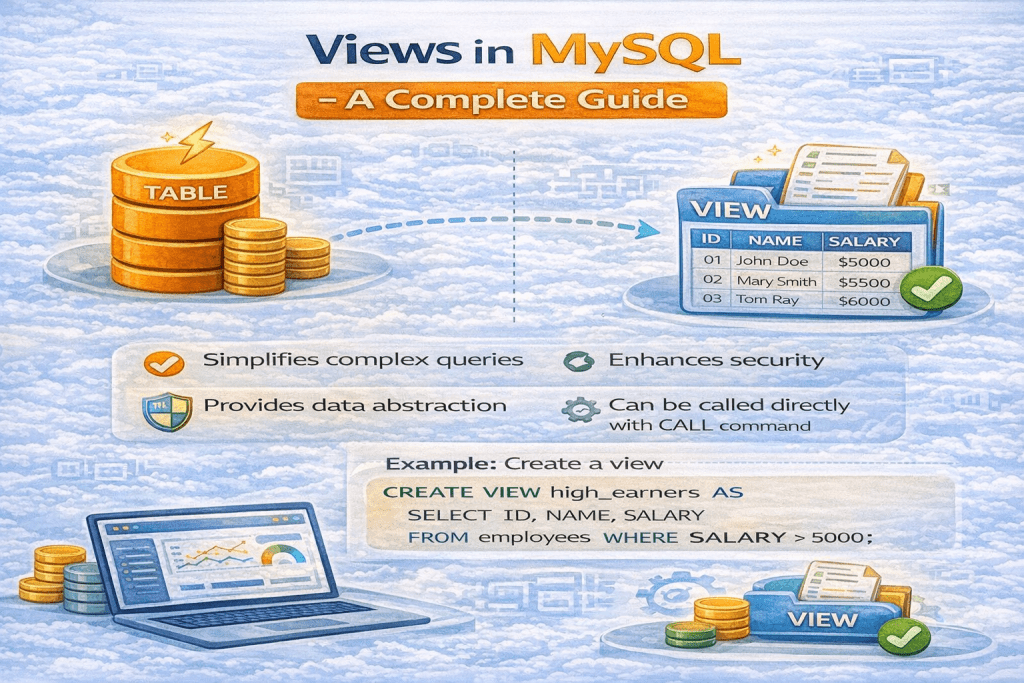
In MySQL, a View is a virtual table that is based on the result set of a SELECT query. Unlike a normal table, a view does not store data physically. Instead, it stores a SQL query, and whenever you query the view, MySQL executes that stored query and returns the result.
Views are very useful for simplifying complex queries, improving security, and maintaining abstraction.
1. Key Features of Views
- Virtual Table: Views behave like tables but do not hold data themselves.
- Simplifies Complex Queries: You can save a complicated
JOINorWHEREquery as a view and reuse it easily. - Data Abstraction: Hides the complexity of the underlying table structure.
- Security: Restrict users from accessing certain columns by providing access to a view instead of the base table.
- Dynamic: Always displays the latest data because the view reflects the underlying table data.
2. Syntax to Create a View
CREATE VIEW view_name AS
SELECT column1, column2, ...
FROM table_name
WHERE condition;
Example:
Suppose you have a table employees:
| id | name | department | salary |
|---|---|---|---|
| 1 | John Doe | IT | 50000 |
| 2 | Jane Doe | HR | 45000 |
| 3 | Mike Ross | IT | 55000 |
You want a view that shows only IT employees:
CREATE VIEW it_employees AS
SELECT id, name, salary
FROM employees
WHERE department = 'IT';
Now, you can query the view like this:
SELECT * FROM it_employees;
Output:
| id | name | salary |
|---|---|---|
| 1 | John Doe | 50000 |
| 3 | Mike Ross | 55000 |
3. Types of Views
a) Simple View
- Based on a single table.
- Does not contain
GROUP BYorJOIN. - Updatable (you can use
INSERT,UPDATE,DELETE).
b) Complex View
- Based on multiple tables or contains aggregation (
SUM,COUNT, etc.). - May include
JOIN,GROUP BY,DISTINCT,UNION. - Usually not updatable.
4. Updating Views
- Simple views are updatable, meaning you can update data in the base table through the view.
- Complex views are generally read-only.
Example of updating a simple view:
UPDATE it_employees
SET salary = 60000
WHERE id = 1;
This updates the salary of John Doe in the original employees table.
5. Advantages of Views
- Simplifies Queries: Users don’t need to write complex joins or filters repeatedly.
- Security: Only specific columns can be exposed to certain users.
- Consistency: Reuse standard queries across the application.
- Data Abstraction: Users don’t need to know the table structure.
6. Disadvantages of Views
- Performance: Complex views can slow down queries because MySQL executes the underlying query every time.
- Read-Only Limitations: Complex views often cannot be updated.
- Dependency: If underlying tables are dropped or modified, views may break.
7. Modifying and Dropping Views
Modify a View
CREATE OR REPLACE VIEW view_name AS
SELECT ...
FROM ...
WHERE ...;
Drop a View
DROP VIEW view_name;
8. Example Use Cases of Views
- Hiding sensitive information:
CREATE VIEW employee_salaries AS
SELECT name, department
FROM employees;
- Aggregating data for reporting:
CREATE VIEW department_salary_summary AS
SELECT department, SUM(salary) AS total_salary
FROM employees
GROUP BY department;
- Simplifying complex joins:
CREATE VIEW employee_project_info AS
SELECT e.name, p.project_name
FROM employees e
JOIN projects p ON e.id = p.employee_id;
9. Conclusion
Views in MySQL are powerful tools for simplifying database operations, enhancing security, and creating reusable queries. While they do not store data physically, they provide a convenient way to organize and access data efficiently.
By leveraging views wisely, you can:
- Make your SQL queries cleaner and easier to maintain.
- Protect sensitive data.
- Aggregate and report data without changing your base tables.