
Understanding ROW_FORMAT in InnoDB (MySQL)
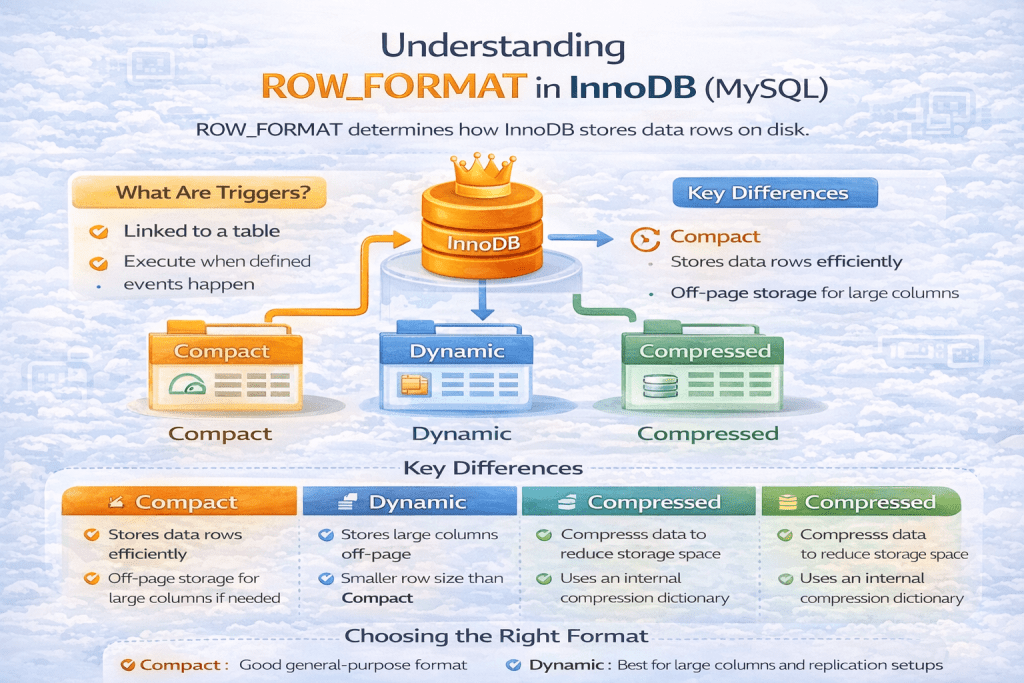
When working with MySQL’s InnoDB storage engine, you might have come across the option ROW_FORMAT. This parameter controls how MySQL physically stores rows on disk. Although it often goes unnoticed, the choice of row format can have a direct impact on performance, storage efficiency, and compatibility.
In this blog, we’ll break down what ROW_FORMAT is, the types available in InnoDB, and the differences between them.
🔹 What is ROW_FORMAT?
The ROW_FORMAT option defines the physical layout of a row within InnoDB pages. This determines:
- How much data is stored in the page versus off-page (overflow storage).
- How long text/blob columns are stored.
- How compression and redundancy are handled.
You can specify it when creating or altering a table:
CREATE TABLE employees (
    id INT PRIMARY KEY,
    name VARCHAR(100),
    bio TEXT
) ENGINE=InnoDB ROW_FORMAT=DYNAMIC;
🔹 Available ROW_FORMAT Types in InnoDB
There are five major row formats supported by InnoDB:
- REDUNDANT
- COMPACT
- DYNAMIC
- COMPRESSED
- (Newer MySQL 8.0: ROW_FORMAT=DEFAULT chooses automatically based on settings)
Let’s explore each.
1. REDUNDANT (Legacy)
- One of the original formats, used before MySQL 5.0.3.
- Stores two copies of a column length for variable-length columns (wastes space).
- No optimization for BLOB/TEXT fields (they are stored inline, only part of data may be off-page).
- Not recommended for modern systems, only exists for backward compatibility.
👉 Use case: Almost none today, unless dealing with very old MySQL versions.
2. COMPACT (Default until MySQL 5.7)
- Introduced in MySQL 5.0.3.
- Stores only one length byte for variable-length columns (saves space vs REDUNDANT).
- Better storage efficiency and more rows per page.
- BLOB/TEXT: Stores first 768 bytes inline, remainder off-page.
👉 Use case: Still common in legacy databases. Works fine for general workloads.
3. DYNAMIC (Modern Default in MySQL 8.0)
- Similar to COMPACT but handles large columns better.
- BLOB/TEXT columns are stored entirely off-page, only a 20-byte pointer remains inline.
- Prevents row size limit errors (since inline storage is reduced).
- Default in MySQL 8.0 (unless overridden).
👉 Use case: Recommended for most applications today. Best for handling large text or JSON columns efficiently.
4. COMPRESSED
- Uses page-level compression (zlib algorithm).
- Data and indexes are compressed, reducing disk footprint.
- Rows stored like DYNAMIC, but within a compressed page.
- Reduces disk I/O at the cost of higher CPU usage.
👉 Use case: Useful when storage is expensive, or to reduce I/O on read-heavy workloads. Be cautious with CPU overhead on write-heavy workloads.
🔹 Key Differences Between ROW_FORMAT Types
| Feature / Format | REDUNDANT | COMPACT | DYNAMIC | COMPRESSED |
|---|---|---|---|---|
| Introduced in | Legacy (<5.0.3) | MySQL 5.0.3 | MySQL 5.7+ | MySQL 5.1 |
| Storage efficiency | Poor | Good | Very Good | Excellent |
| BLOB/TEXT handling | Inline (part off-page) | 768 bytes inline | Fully off-page (20B pointer) | Fully off-page (compressed) |
| Row size errors | Common | Sometimes | Rare | Rare |
| Compression | ❌ | ❌ | ❌ | ✅ |
| Default in | Old versions | MySQL 5.7 | MySQL 8.0 | Optional |
🔹 How to Check ROW_FORMAT of a Table?
You can check the row format of a table with:
SHOW TABLE STATUS LIKE 'employees'\G
Output example:
Name: employees
Engine: InnoDB
Row_format: Dynamic
...
🔹 How to Change ROW_FORMAT?
You can alter the table to switch between row formats:
ALTER TABLE employees ROW_FORMAT=DYNAMIC;
⚠️ Note: Changing row format may require a table rebuild, which can be costly on large datasets.
🔹 Best Practices
- Use DYNAMIC (recommended for modern MySQL) – best balance of performance and flexibility.
- Use COMPRESSED only if you really need storage savings and your workload tolerates extra CPU usage.
- Avoid REDUNDANT and COMPACT unless you’re maintaining old databases.
- For JSON-heavy or large TEXT/BLOB fields → DYNAMIC is best.
✅ Conclusion
ROW_FORMAT in InnoDB defines how MySQL stores your rows at the page level. While older formats like REDUNDANT and COMPACT were once standard, modern MySQL defaults to DYNAMIC, which is efficient and flexible. If disk space is a concern, COMPRESSED can help, though with CPU trade-offs.
Choosing the right row format can improve performance, scalability, and storage efficiency in your database applications.