
Phantom Reads, Dirty Reads & Non-Repeatable Reads Explained
📌 Introduction
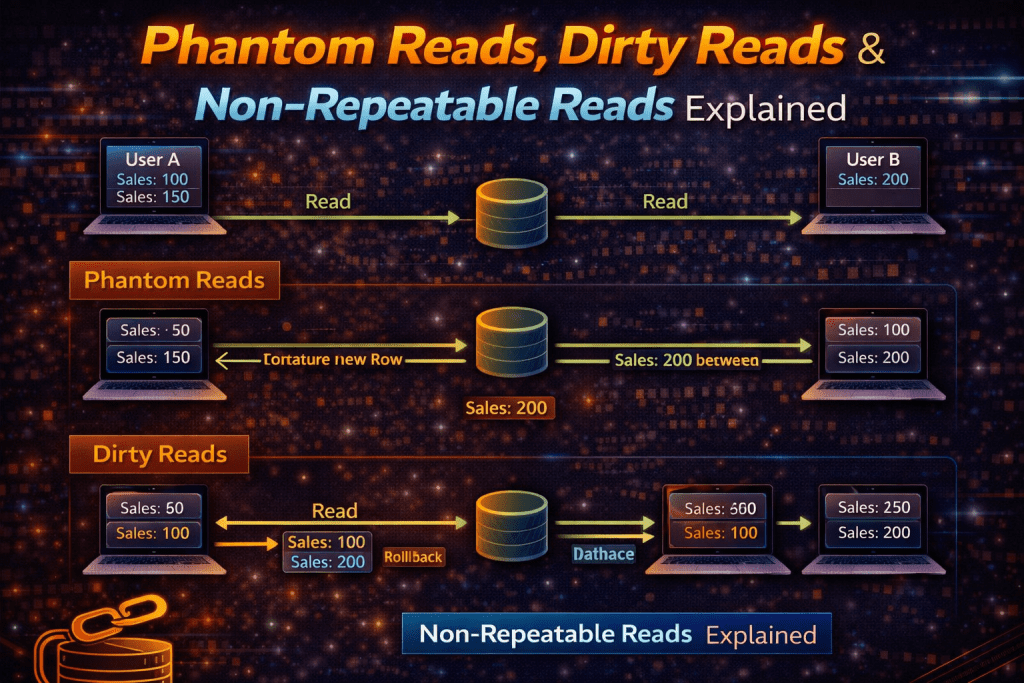
When multiple transactions run at the same time in MySQL, you can face data inconsistency issues known as:
- Dirty Reads
- Non-Repeatable Reads
- Phantom Reads
👉 These problems are part of transaction isolation levels and are very important for backend developers & system design interviews.
🔒 What Are Read Anomalies?
Read anomalies occur when a transaction reads inconsistent or unexpected data due to concurrent updates.
👉 MySQL (InnoDB) handles this using isolation levels.
🚨 1. Dirty Read
📌 Definition
A Dirty Read happens when a transaction reads data that is not yet committed.
👉 That data might be rolled back later → ❌ invalid data
⚙️ Example
🔹 Transaction 1
START TRANSACTION;UPDATE accounts SET balance = 500 WHERE id = 1;
-- Not committed yet
🔹 Transaction 2
SET TRANSACTION ISOLATION LEVEL READ UNCOMMITTED;SELECT balance FROM accounts WHERE id = 1;
👉 Output = 500 (but not committed ❌)
❌ Problem
If Transaction 1 rolls back → data becomes incorrect
✅ Solution
Use higher isolation level:
- READ COMMITTED
- REPEATABLE READ
📍 Real-World Example
Bank balance showing wrong value before transaction completes 💰
🔁 2. Non-Repeatable Read
📌 Definition
A Non-Repeatable Read occurs when:
👉 Same query returns different results within the same transaction
⚙️ Example
🔹 Transaction 1
START TRANSACTION;SELECT balance FROM accounts WHERE id = 1;
-- Result: 1000
🔹 Transaction 2
UPDATE accounts SET balance = 1200 WHERE id = 1;
COMMIT;
🔹 Transaction 1 (again)
SELECT balance FROM accounts WHERE id = 1;
-- Result: 1200 (changed!)
❌ Problem
Data changes during the same transaction → inconsistent results
✅ Solution
Use:
- REPEATABLE READ
- SERIALIZABLE
📍 Real-World Example
User profile showing different data while editing
👻 3. Phantom Read
📌 Definition
A Phantom Read occurs when:
👉 New rows appear (or disappear) during the same transaction
⚙️ Example
🔹 Transaction 1
START TRANSACTION;SELECT * FROM orders WHERE amount > 1000;
-- Returns 5 rows
🔹 Transaction 2
INSERT INTO orders (amount) VALUES (1500);
COMMIT;
🔹 Transaction 1 (again)
SELECT * FROM orders WHERE amount > 1000;
-- Now returns 6 rows 👻
❌ Problem
Unexpected new rows → inconsistent dataset
✅ Solution
Use:
- SERIALIZABLE isolation level
📍 Real-World Example
Reports showing different number of records during processing
⚖️ Comparison Table
| Issue | Description | Example Problem |
|---|---|---|
| Dirty Read | Read uncommitted data | Wrong balance |
| Non-Repeatable Read | Same row changes | Data inconsistency |
| Phantom Read | New rows appear | Incorrect reports |
🧠 Isolation Levels in MySQL
| Isolation Level | Dirty Read | Non-Repeatable | Phantom |
|---|---|---|---|
| READ UNCOMMITTED | ✅ | ✅ | ✅ |
| READ COMMITTED | ❌ | ✅ | ✅ |
| REPEATABLE READ (Default) | ❌ | ❌ | ⚠️ (rare in MySQL) |
| SERIALIZABLE | ❌ | ❌ | ❌ |
⚙️ Set Isolation Level
SET SESSION TRANSACTION ISOLATION LEVEL REPEATABLE READ;
🎯 When to Use What?
- READ COMMITTED → Most web apps
- REPEATABLE READ → Default (MySQL)
- SERIALIZABLE → Financial systems
⚠️ Common Mistakes
❌ Ignoring isolation levels
❌ Using default without understanding
❌ Not testing concurrency
🏁 Conclusion
Understanding these anomalies is essential for:
✔ Writing safe transactions
✔ Avoiding data inconsistency
✔ Cracking backend interviews
👉 Always choose the right isolation level based on your use case.