
How to create and remove DOM elements dynamically?
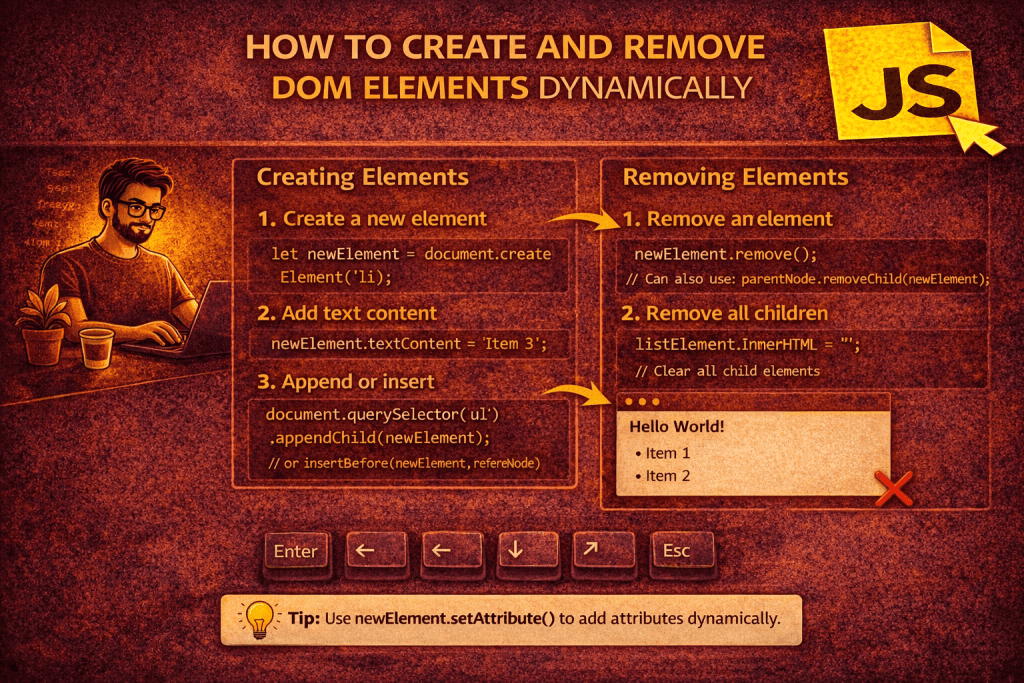
In JavaScript, you can create and remove DOM elements dynamically using built-in DOM manipulation methods. Here’s a clear breakdown:
✅ 1. Creating DOM Elements
You can create elements using document.createElement() and then insert them into the DOM.
// Step 1: Create a new element
let newDiv = document.createElement("div");

// Step 2: Add some content or attributes
newDiv.textContent = "Hello, I am a new div!";
newDiv.className = "my-div";

// Step 3: Append it to the document
document.body.appendChild(newDiv); // Adds to the end of <body>
Other insertion methods:
appendChild(node)→ Appends at the end.prepend(node)→ Inserts at the beginning.insertBefore(newNode, referenceNode)→ Inserts before another element.element.insertAdjacentHTML(position, html)→ Inserts HTML relative to an element.
Example:document.body.insertAdjacentHTML("beforeend", "<p>Inserted paragraph!</p>");
✅ 2. Removing DOM Elements
You can remove elements using:
removeChild(node)(older way, requires parent)element.remove()(modern way)
Example:
// Select the element to remove
let divToRemove = document.querySelector(".my-div");

// Option 1: Modern way
divToRemove.remove();

// Option 2: Old way (requires parent)
divToRemove.parentNode.removeChild(divToRemove);
✅ 3. Example: Button to Add & Remove Elements
<button id="addBtn">Add Div</button>
<button id="removeBtn">Remove Div</button>
<div id="container"></div>

<script>
  let container = document.getElementById("container");

  document.getElementById("addBtn").addEventListener("click", () => {
    let div = document.createElement("div");
    div.textContent = "I am a new div!";
    div.className = "dynamic-div";
    container.appendChild(div);
  });

  document.getElementById("removeBtn").addEventListener("click", () => {
    let lastDiv = container.querySelector(".dynamic-div:last-child");
    if (lastDiv) lastDiv.remove();
  });
</script>
No comments yet! You be the first to comment.