
Difference between onclick and addEventListener.
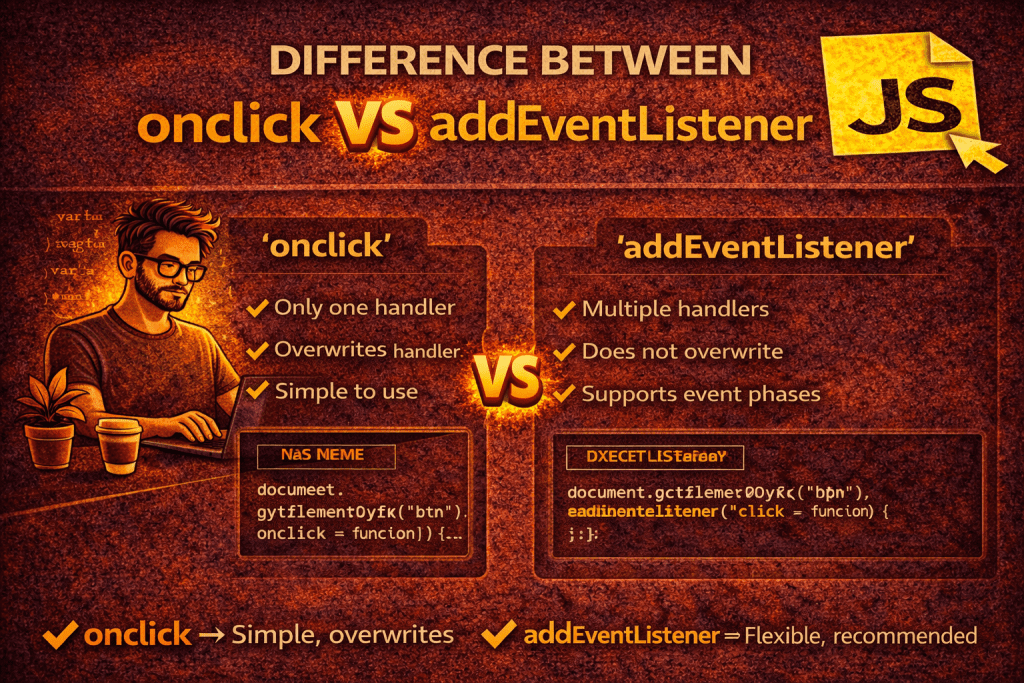
1. onclick
- What it is: A property of a DOM element (an event handler property).
- Usage:
element.onclick = function() { console.log("Clicked!"); }; - Key Points:
- Can only hold one function at a time. If you assign another function later, it overwrites the previous one.
- Simple and short syntax, but limited.
- Doesn’t allow specifying event phases (bubbling or capturing).
2. addEventListener
- What it is: A method of a DOM element (more flexible).
- Usage:
element.addEventListener("click", function() { console.log("Clicked!"); }); - Key Points:
- Can attach multiple listeners for the same event without overwriting.
- Supports event capturing vs. bubbling (via the optional 3rd parameter).
element.addEventListener("click", handler, true); // capturing element.addEventListener("click", handler, false); // bubbling (default) - Can remove listeners later using
removeEventListener. - More modern and preferred in real projects.
Quick Example
<button id="btn">Click Me</button>

<script>
  const btn = document.getElementById("btn");

  // Using onclick
  btn.onclick = () => console.log("First handler");
  btn.onclick = () => console.log("Second handler");
  // Only "Second handler" runs.

  // Using addEventListener
  btn.addEventListener("click", () => console.log("Handler 1"));
  btn.addEventListener("click", () => console.log("Handler 2"));
  // Both handlers run.
</script>
✅ In short:
- Use
onclickfor simple, single handlers. - Use
addEventListenerfor multiple handlers, event phases, and modern best practices.
No comments yet! You be the first to comment.