
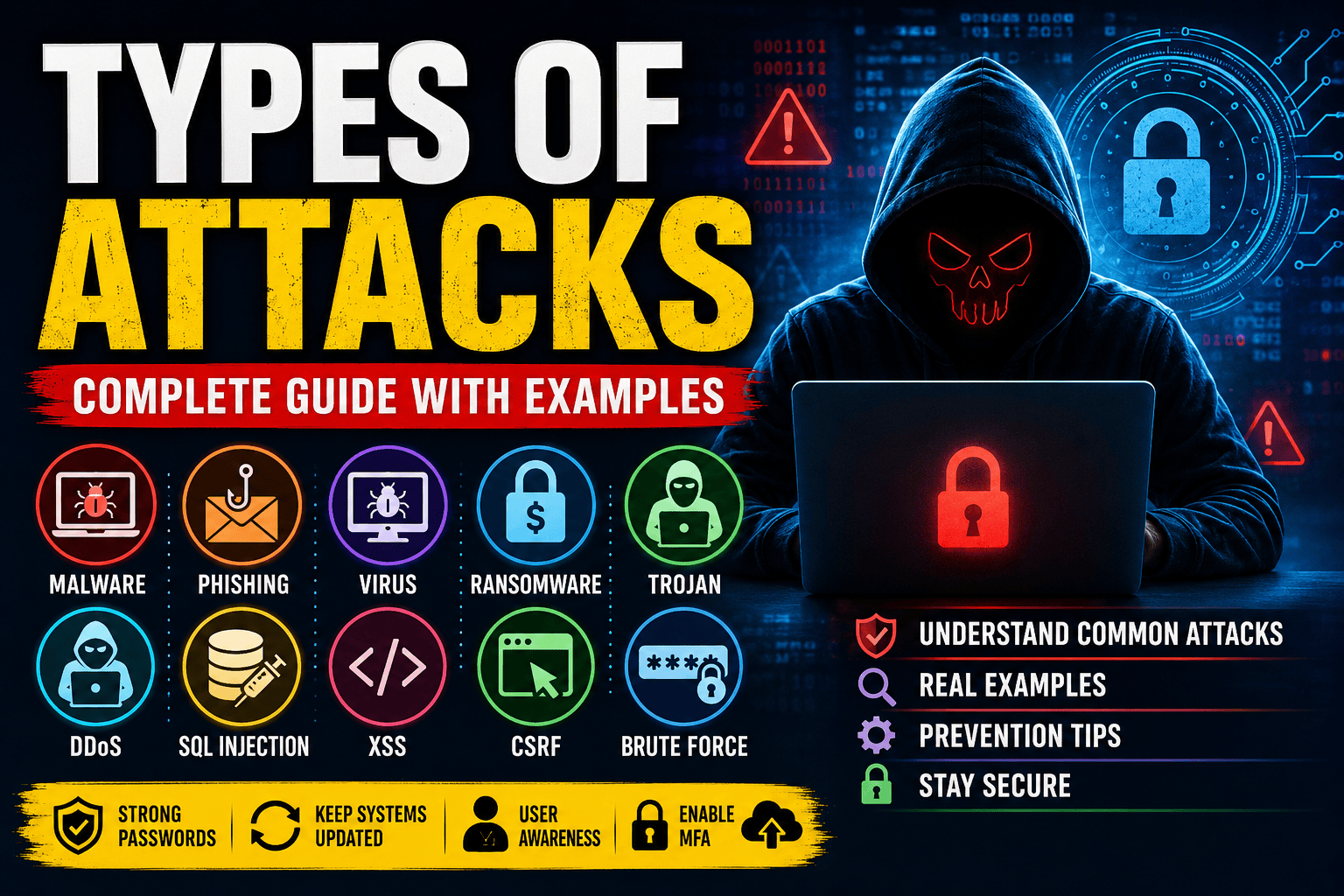
Types of Cyber Attacks: Complete Guide (2026)
Cyber attacks are malicious attempts to damage, steal, disrupt, or gain unauthorized access to computers, networks, applications, or data. Understanding the common attack types helps developers and system administrators build stronger defenses.
1. Malware Attack
Malware (Malicious Software) is software designed to harm a computer or steal information.
Types
- Virus
- Worm
- Trojan Horse
- Spyware
- Adware
- Rootkit
Example
A user downloads a fake PDF that secretly installs malware and steals saved passwords.
Prevention
- Install antivirus software
- Keep systems updated
- Download files only from trusted sources
- Enable endpoint protection
2. Virus
A virus attaches itself to legitimate files and spreads when those files are executed.
Example
User downloads an infected file

↓

Opens the file

↓

Virus infects the system

↓

Spreads to other files
Effects
- Corrupt files
- Slow computer
- Data loss
3. Worm
A worm spreads automatically over a network without user interaction.
Example
Computer A

↓

Computer B

↓

Computer C

↓

Entire Office Network
Effects
- Consumes bandwidth
- Slows down networks
- Infects thousands of devices quickly
4. Trojan Horse
A Trojan disguises itself as legitimate software.
Example
"Free Photoshop Crack"

↓

User installs it

↓

Attacker gains remote access
Prevention
- Avoid cracked software
- Verify software sources
- Use application whitelisting
5. Ransomware
Ransomware encrypts files and demands payment to restore access.
Attack Flow
User clicks malicious email

↓

Malware installs

↓

Files encrypted

↓

Ransom note displayed
Example Message
Your files have been encrypted.

Pay $500 in Bitcoin.
Prevention
- Maintain regular backups
- Keep software patched
- Use email filtering
- Enable multi-factor authentication (MFA)
6. Phishing Attack
Attackers trick users into revealing passwords, OTPs, or banking information.
Example
Fake Bank Email

↓

Click Login

↓

Fake Website

↓

Username & Password Stolen
Common Signs
- Urgent messages
- Suspicious links
- Fake sender addresses
- Spelling mistakes
7. Spear Phishing
A targeted phishing attack against a specific person or organization.
Example
Email addressed to:

"Himanshu Sharma"

↓

Looks like it came from HR

↓

Contains fake salary document
Because it is personalized, it is more convincing than generic phishing.
8. Whaling
Whaling targets high-level executives such as CEOs, CFOs, or company directors.
Goal
- Steal confidential data
- Transfer money fraudulently
- Gain access to sensitive systems
9. DDoS (Distributed Denial of Service)
A DDoS attack floods a server with massive traffic, making it unavailable to legitimate users.
Architecture
Thousands of Bots

↓↓↓↓↓↓↓↓

Target Website

↓

Server Crash
Effects
- Website downtime
- Slow response times
- Business disruption
Protection
- CDN
- Web Application Firewall (WAF)
- Rate limiting
- Auto scaling
10. SQL Injection (SQLi)
Attackers inject malicious SQL into input fields.
Vulnerable Query
SELECT * FROM users
WHERE email='$email'
AND password='$password';
Attack Input
' OR '1'='1This may bypass authentication if queries are not properly secured.
Prevention
- Prepared statements
- Parameterized queries
- Input validation
- Least-privilege database accounts
11. Cross-Site Scripting (XSS)
Attackers inject JavaScript into a website.
Example
<script>alert("Hacked")</script>When another user views the page, the script executes in their browser.
Prevention
- Escape output
- Validate input
- Use Content Security Policy (CSP)
12. Cross-Site Request Forgery (CSRF)
A logged-in user is tricked into performing actions without their knowledge.
Example
User Logged In

↓

Visits Malicious Website

↓

Hidden Request Sent

↓

Money Transferred
Prevention
- CSRF tokens
- SameSite cookies
- Re-authentication for sensitive actions
13. Brute Force Attack
Attackers repeatedly try different password combinations until one works.
Example
admin
admin123
password
password123
123456
Protection
- Strong passwords
- Account lockout
- Rate limiting
- MFA
14. Credential Stuffing
Attackers use usernames and passwords leaked from one website to log into another.
Prevention
- Multi-factor authentication
- Password managers
- Detect unusual login activity
15. Man-in-the-Middle (MITM)
An attacker intercepts communication between two parties.
Example
User

↓

Attacker

↓

Website
The attacker may read or modify data in transit.
Protection
- HTTPS
- VPN
- Certificate validation
16. DNS Spoofing
Attackers manipulate DNS responses to redirect users to fake websites.
Example
google.com

↓

Fake Website
Protection
- DNSSEC
- Trusted DNS providers
- HTTPS verification
17. Session Hijacking
An attacker steals a user’s session cookie and impersonates them.
Prevention
- Secure cookies
- HTTPS
- Session expiration
- Regenerate session IDs after login
18. Zero-Day Attack
An attack that exploits a software vulnerability before a fix or patch is available.
Protection
- Rapid patching
- Endpoint detection and response (EDR)
- Network segmentation
- Behavior-based security tools
19. Insider Attack
A current or former employee misuses legitimate access.
Examples
- Data theft
- Deleting databases
- Sharing confidential documents
Protection
- Least privilege
- Access monitoring
- Audit logs
20. Password Attack
Common techniques include:
- Dictionary attacks
- Rainbow table attacks
- Password spraying
- Credential stuffing
Best Practices
- Strong unique passwords
- MFA
- Password hashing (e.g., bcrypt, Argon2)
Attack Comparison
| Attack | Target | Purpose | Prevention |
|---|---|---|---|
| Malware | Computer | Damage system | Antivirus, updates |
| Virus | Files | Corruption | Antivirus |
| Worm | Network | Rapid spread | Firewall |
| Trojan | Users | Backdoor access | Trusted downloads |
| Ransomware | Files | Extortion | Backups |
| Phishing | Users | Credential theft | User awareness |
| DDoS | Servers | Downtime | CDN, WAF |
| SQL Injection | Database | Data theft | Prepared statements |
| XSS | Browser | Script execution | Output encoding |
| CSRF | Web users | Unauthorized actions | CSRF tokens |
| MITM | Network | Intercept traffic | HTTPS |
| Brute Force | Accounts | Password guessing | MFA, rate limiting |
Security Best Practices
- Keep operating systems and software updated.
- Use strong, unique passwords.
- Enable Multi-Factor Authentication (MFA).
- Encrypt sensitive data.
- Use HTTPS everywhere.
- Validate and sanitize all user input.
- Use prepared SQL statements.
- Maintain regular backups.
- Monitor logs and suspicious activity.
- Train employees to recognize phishing attempts.
Conclusion
Cyber attacks continue to evolve, but most successful attacks still exploit common weaknesses such as weak passwords, outdated software, poor input validation, and human error. By understanding attack types like Malware, Phishing, DDoS, SQL Injection, XSS, CSRF, and Ransomware, developers and security professionals can design systems that are significantly more resilient and secure.