
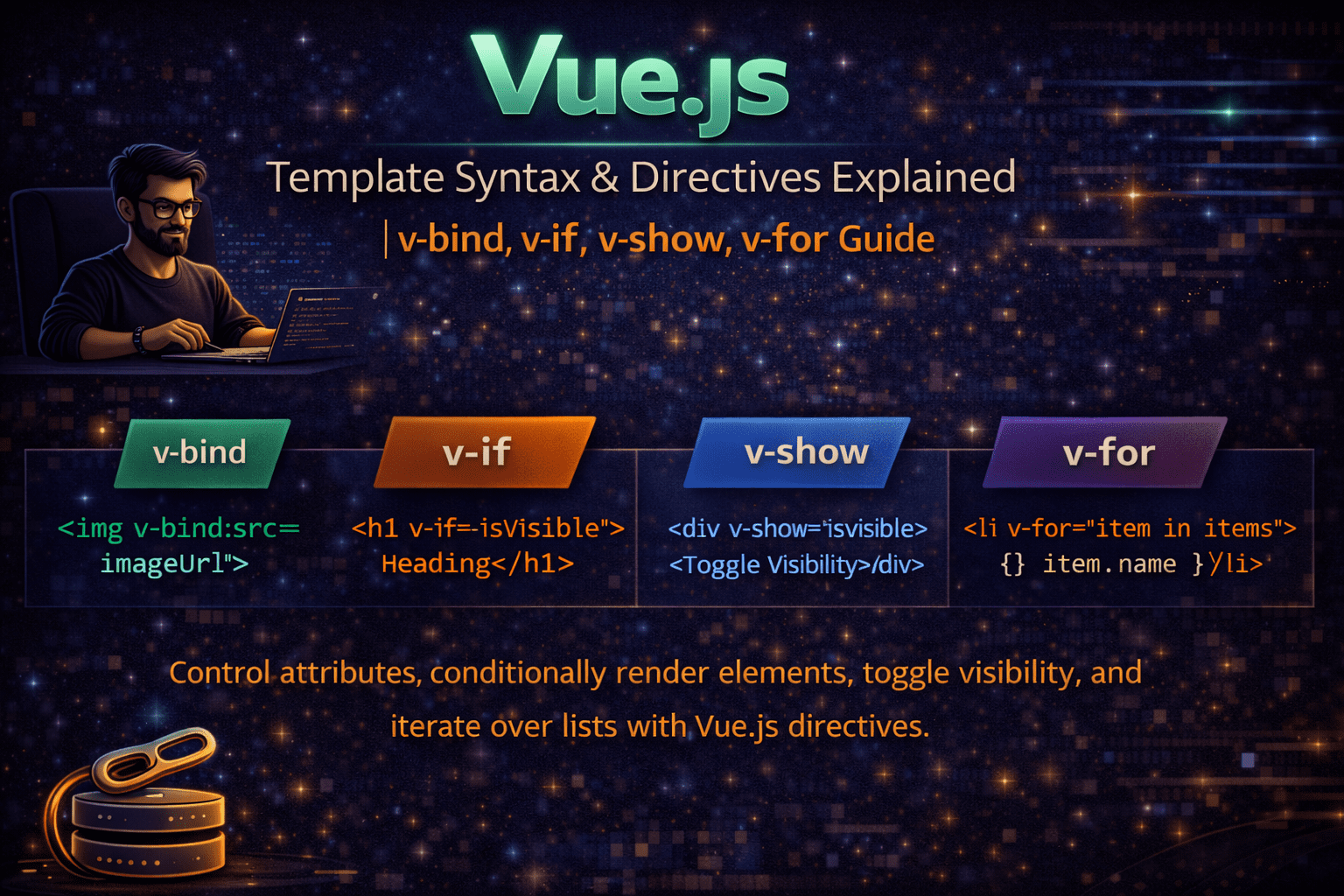
Vue.js Template Syntax & Directives Explained | v-bind, v-if, v-show, v-for Guide
🔹 1. Template Syntax
Vue uses HTML-based templates to render UI.
👉 You write normal HTML + Vue features inside it.
<div id="app">
  <h1>Hello Vue</h1>
</div>
🔹 2. Interpolation {{ }}
This is used to display dynamic data in the UI.
👉 Example:
<p>{{ message }}</p>
👉 In JavaScript:
data() {
  return {
    message: "Hello World"
  }
}
✅ Output: Hello World
⚡ Vue Directives (Very Important)
Directives are special attributes starting with v-
🔹 3. v-bind
Used to bind HTML attributes dynamically.
👉 Example:
<img v-bind:src="imageURL">
👉 Short form:
<img :src="imageURL">
🔹 4. v-if
Used for conditional rendering (if condition true → show element)
<p v-if="isVisible">Hello</p>
🔹 5. v-show
Also used for condition, but works differently:
v-if→ removes/adds element from DOMv-show→ just hides using CSS
<p v-show="isVisible">Hello</p>
🔹 6. v-for
Used for loops (repeat elements)
<ul>
  <li v-for="item in items">{{ item }}</li>
</ul>
🔥 Quick Difference (Important for Interview)
| Feature | v-if | v-show |
|---|---|---|
| DOM | Adds/Removes | Hides (CSS) |
| Performance | Slower (heavy) | Faster |
| Use Case | Rare toggle | Frequent toggle |
🎯 Final Understanding
{{ }}→ show datav-bind→ bind attributesv-if / v-show→ conditionsv-for→ loops
No comments yet! You be the first to comment.