
What is Output Buffering in PHP?
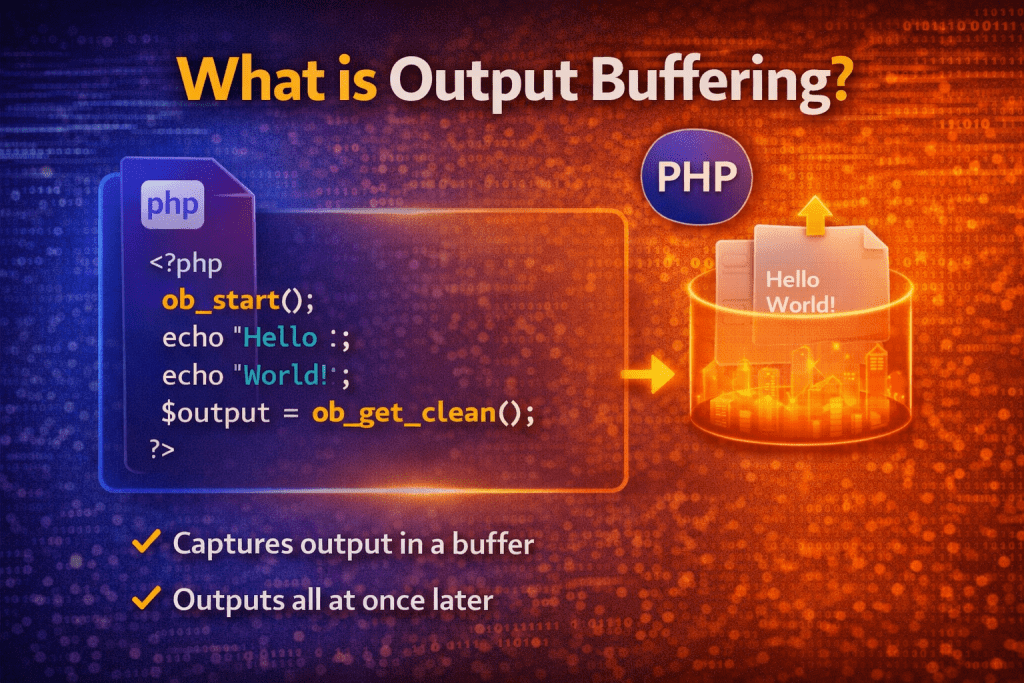
Output Buffering in PHP is a technique where the output (like echo, print, HTML) is not sent immediately to the browser. Instead, it is stored in a temporary memory buffer and sent later — either manually or automatically.
📌 Simple Definition
👉 Output buffering means holding output in memory before displaying it on the screen.
⚙️ How Output Buffering Works
Normally:
echo "Hello";
➡️ Output is sent directly to the browser.
With output buffering:
ob_start(); // Start bufferingecho "Hello";
echo " World";ob_end_flush(); // Send output to browser
➡️ Output is stored first, then displayed together.
🔑 Important Functions
1️⃣ ob_start()
Starts output buffering.
ob_start();
2️⃣ ob_get_contents()
Gets the current buffer content.
$content = ob_get_contents();
3️⃣ ob_clean()
Clears the buffer without sending output.
ob_clean();
4️⃣ ob_end_flush()
Sends buffer content to browser and ends buffering.
ob_end_flush();
5️⃣ ob_end_clean()
Deletes buffer and ends buffering (no output sent).
ob_end_clean();
💡 Example
ob_start();echo "This will not show immediately.";$content = ob_get_contents();ob_end_clean();echo "Buffered Content: " . $content;
👉 Output:
Buffered Content: This will not show immediately.
🚀 Why Use Output Buffering?
- 🔄 Modify output before sending
- 🛑 Prevent “headers already sent” error
- 📦 Store HTML for reuse
- ⚡ Improve performance (send output in one go)
- 🔐 Useful in templating systems
❗ Common Use Case (Header Error Fix)
ob_start();echo "Hello";header("Location: test.php"); // Works fineob_end_flush();
👉 Without buffering → ❌ Error
👉 With buffering → ✅ Works
⚠️ Important Notes
- Always properly end buffering (
ob_end_flush()orob_end_clean()) - Overusing buffering can increase memory usage
- Useful in frameworks and large applications
🎯 Conclusion
Output buffering is a powerful PHP feature that allows you to control when and how output is sent to the browser. It is especially useful for handling headers, modifying content, and improving performance.