
What is caching in PHP?
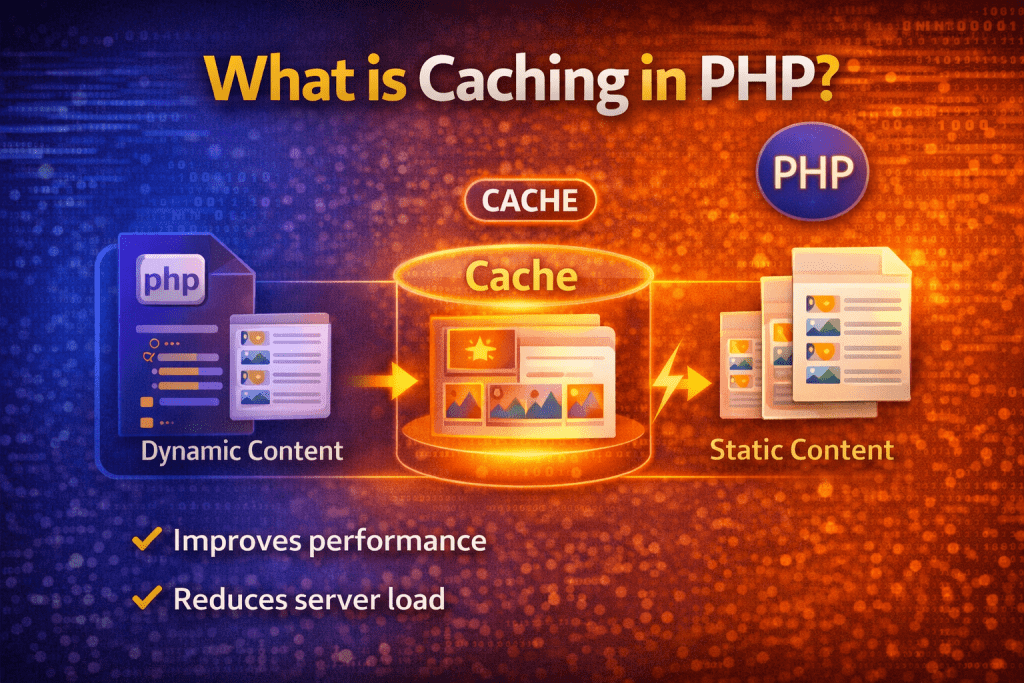
Caching in PHP is a technique used to store frequently accessed data temporarily so that it can be reused quickly without reprocessing or querying the database again.
📌 Simple Definition
👉 Caching means saving data for faster access in future requests.
⚙️ How Caching Works
Without caching:
- User requests page
- PHP runs code
- Database query executes
- Page loads (slow ⏳)
With caching:
- First request → data generated and stored
- Next request → data served from cache (fast ⚡)
💡 Example
$data = file_get_contents("cache.txt");if ($data) {
    echo $data; // Load from cache
} else {
    $data = "Fresh Data from Database";
    file_put_contents("cache.txt", $data);
    echo $data;
}
🔑 Types of Caching in PHP
1️⃣ File Caching
Stores data in files.
file_put_contents("cache.html", $output);
✔ Easy to implement
❌ Slower than memory caching
2️⃣ Memory Caching
🔹 APCu (Alternative PHP Cache User)
apcu_store("key", "value");
echo apcu_fetch("key");
🔹 Memcached
$mem = new Memcached();
$mem->addServer("localhost", 11211);
$mem->set("key", "value");
echo $mem->get("key");
✔ Very fast
✔ Used in large applications
3️⃣ Opcode Caching (OPcache)
Caches compiled PHP code.
👉 Built-in in PHP (recommended)
opcache.enable=1
✔ Improves PHP execution speed
✔ No code changes required
4️⃣ Browser Caching
Stores static files in the user’s browser.
header("Cache-Control: max-age=3600");
🚀 Benefits of Caching
- ⚡ Faster website performance
- 📉 Reduced database load
- 💰 Saves server resources
- 🚀 Better user experience
❗ When to Use Caching
- Heavy database queries
- API responses
- Dynamic pages that don’t change often
- High-traffic websites
⚠️ Challenges in Caching
- ❌ Data can become outdated
- 🔄 Need cache invalidation strategy
- 🧠 Requires proper logic
🧠 Real-Life Example
👉 E-commerce website:
Product list doesn’t change every second → cache it for 5 minutes → reduce DB queries.
🔄 Cache Expiry Example
$cache_file = "cache.txt";
$cache_time = 60; // secondsif (file_exists($cache_file) && (time() - filemtime($cache_file)) < $cache_time) {
    echo file_get_contents($cache_file);
} else {
    $data = "Fresh Data";
    file_put_contents($cache_file, $data);
    echo $data;
}
🎯 Best Practices
- Use OPcache always
- Set proper expiry time (TTL)
- Clear cache when data updates
- Use Redis/Memcached for large apps
🔑 SEO Keywords
php caching, what is caching in php, php cache tutorial, php opcache, memcached php example, redis php caching, php performance optimization
🎯 Conclusion
Caching in PHP is essential for building fast, scalable, and high-performance applications. By storing data temporarily, you reduce processing time and improve user experience.