
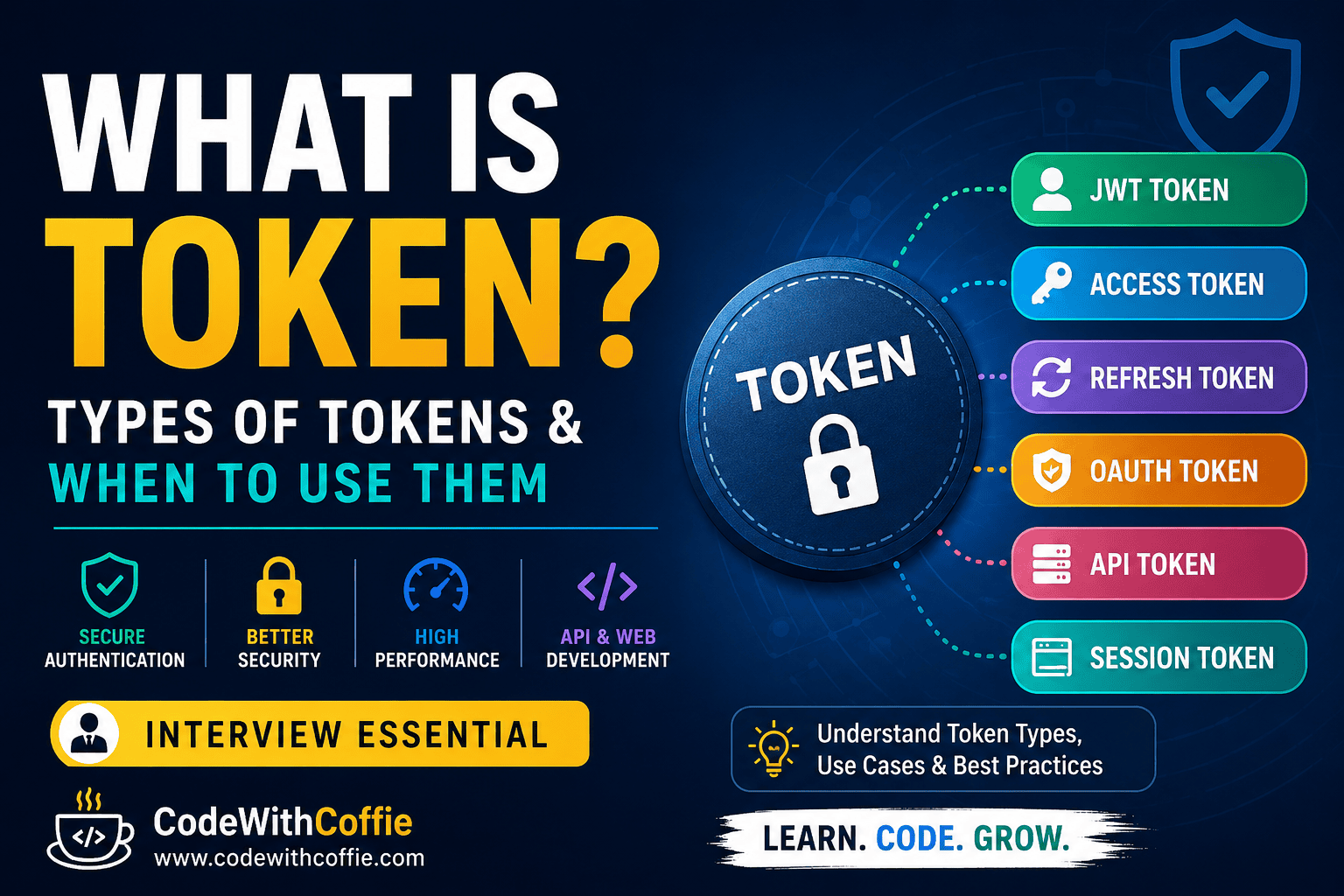
What is a Token? Types of Tokens and When to Use Them
What is a Token?
In computing, a token is a small piece of data that represents identity, permissions, ownership, or access to a specific resource. Instead of sending sensitive information like a username and password every time, applications use tokens to verify users securely.
Tokens are widely used in:
- User Authentication
- REST APIs
- Mobile Applications
- Banking Systems
- Payment Gateways
- Cloud Platforms
- Single Sign-On (SSO)
- Microservices
Simply put,
A token is a digital key that proves who you are and what you are allowed to access.
Why are Tokens Used?
Without tokens:
Login
↓
Username + Password
↓
Server checks every request
With tokens:
Login
↓
Username + Password
↓
Server generates Token
↓
Client stores Token
↓
Future requests send Token only
This approach improves:
- Security
- Performance
- Scalability
- User Experience
How Does a Token Work?
Step 1: User Logs In
Username
Password
↓
Step 2: Server Verifies Credentials
If correct,
Server creates a token.
Example:
eyJhbGciOiJIUzI1NiIsInR5...↓
Step 3: Client Stores Token
Usually stored in:
- Local Storage
- Session Storage
- Secure Cookie
- Memory
↓
Step 4: Every Request Sends Token
Authorization: Bearer TOKEN↓
Step 5: Server Validates Token
If valid:
Access Granted ✅
Otherwise:
Unauthorized ❌
Types of Tokens
1. Authentication Token
Used to verify a user’s identity after login.
Example:
Login

↓

Token

↓

Dashboard Access
Used In:
- Login Systems
- Mobile Apps
- Websites
Best for:
- User authentication
2. Access Token
An Access Token is used to access protected resources.
Example:
GET /profile

Authorization:
Bearer ACCESS_TOKEN
Usually expires within:
- 15 minutes
- 30 minutes
- 1 hour
Best for:
- API requests
3. Refresh Token
Refresh Tokens generate a new Access Token after it expires.
Flow:
Access Token Expired

↓

Refresh Token

↓

New Access Token
Benefits:
- Better security
- No repeated login
Best for:
- Long user sessions
4. Bearer Token
Bearer means:
Anyone holding the token can access the resource.
Header:
Authorization: Bearer xxxxxxxxxxxxxMost REST APIs use Bearer Tokens.
Best for:
- REST APIs
- Mobile Apps
5. JWT (JSON Web Token)
JWT is one of the most popular token formats.
Structure:
Header

.

Payload

.

Signature
Example:
xxxxx.yyyyy.zzzzzContains:
- User ID
- Expiry
- Roles
- Permissions
Advantages:
- Stateless
- Fast
- Compact
Best for:
- APIs
- Authentication
- Microservices
6. OAuth Token
OAuth allows one application to access another application’s data without sharing passwords.
Example:
Login with Google

↓

OAuth Token

↓

Access Granted
Used by:
- GitHub
- Microsoft
Best for:
- Third-party login
7. API Token
API Tokens authenticate one application with another.
Example:
API Key:

abc123xyz
Used for:
- Payment APIs
- Weather APIs
- AI APIs
Best for:
- Server-to-server communication
8. Session Token
Created when a user logs in.
Stored until:
- Logout
- Browser closes
- Session expires
Traditional PHP applications commonly use session tokens.
Best for:
- Server-side authentication
9. CSRF Token
Protects forms against Cross-Site Request Forgery attacks.
Example:
<form>

<input
type="hidden"
name="_token">

</form>
Laravel automatically generates CSRF tokens.
Best for:
- Secure HTML forms
10. Security Token
Represents permissions or identity in secure systems.
Examples:
- Hardware Security Keys
- Smart Cards
- Digital Certificates
Best for:
- Enterprise Security
Token Comparison Table
| Token Type | Purpose | Expires | Common Use |
|---|---|---|---|
| Authentication Token | Verify user | Yes | Login |
| Access Token | Access APIs | Yes | REST API |
| Refresh Token | Renew access | Longer | Authentication |
| JWT | Store user information | Yes | APIs |
| Bearer Token | Authorization | Yes | HTTP APIs |
| OAuth Token | Third-party login | Yes | Google Login |
| API Token | Application authentication | Varies | API Integration |
| Session Token | Server session | Session | PHP Websites |
| CSRF Token | Form protection | Session | Web Forms |
| Security Token | Secure identity | Varies | Enterprise Systems |
When Should You Use Each Token?
| Scenario | Recommended Token |
|---|---|
| User Login | JWT + Refresh Token |
| REST API | Access Token |
| Mobile App | JWT |
| Laravel Forms | CSRF Token |
| Google Login | OAuth Token |
| Payment Gateway | API Token |
| Banking Application | Access + Refresh Token |
| Microservices | JWT |
| PHP Website | Session Token |
| Third-party APIs | Bearer Token |
Real-World Examples
Example 1: Login System
User Login

↓

JWT Token

↓

Dashboard Access
Example 2: Banking App
Login

↓

Access Token

↓

Transfer Money

↓

Access Token Expires

↓

Refresh Token

↓

New Access Token
Example 3: Google Login
Click Login with Google

↓

OAuth Authentication

↓

OAuth Token

↓

Website Login
Example 4: Laravel API
POST /login

↓

JWT Generated

↓

Authorization:
Bearer TOKEN
Advantages of Using Tokens
- Secure authentication
- Stateless architecture
- Faster API communication
- Supports distributed systems
- Better scalability
- Easy integration with mobile apps
- Supports Single Sign-On (SSO)
- Reduces repeated password verification
Disadvantages
- Token theft can lead to unauthorized access if not protected.
- Expired tokens require renewal.
- Poor storage practices can expose tokens.
- Revoking stateless tokens can be more complex.
Best Practices
- Always use HTTPS.
- Keep access tokens short-lived.
- Store refresh tokens securely.
- Never expose tokens in URLs.
- Validate token expiration.
- Rotate API tokens regularly.
- Use strong signing algorithms (such as HS256 or RS256 for JWTs, depending on your architecture).
- Revoke tokens after logout when possible.
- Protect against XSS and CSRF attacks.
- Avoid storing sensitive data inside JWT payloads.
Frequently Asked Questions (FAQs)
Is a token the same as a password?
No. A password proves your identity during login, while a token is issued after successful authentication and is used for subsequent requests.
What is the difference between an Access Token and a Refresh Token?
An Access Token authorizes API requests and typically expires quickly. A Refresh Token lasts longer and is used to obtain a new Access Token without requiring the user to log in again.
What is a Bearer Token?
A Bearer Token is sent in the Authorization header. Anyone possessing a valid bearer token can use it, so it must be protected carefully.
Why is JWT so popular?
JWT is compact, stateless, easy to verify, and works well across APIs, web applications, mobile apps, and microservices.
Which token should I use?
- Web applications: Session Token or JWT (depending on architecture)
- REST APIs: Access Token + Refresh Token
- Mobile apps: JWT with Refresh Token
- Third-party login: OAuth Token
- Form security: CSRF Token
- Server-to-server integrations: API Token
Conclusion
Tokens are a fundamental part of modern application security. They enable secure authentication and authorization without repeatedly sending user credentials. By understanding the different token types—such as Access Tokens, Refresh Tokens, JWTs, OAuth Tokens, API Tokens, Session Tokens, and CSRF Tokens—you can choose the right approach for your application.
Whether you’re building a Laravel application, a REST API, a mobile app, or integrating third-party services, using the appropriate token type improves security, scalability, and user experience. Following best practices like using HTTPS, short-lived access tokens, secure storage, and proper token validation will help keep your applications safe and reliable.