
What is pip in Python
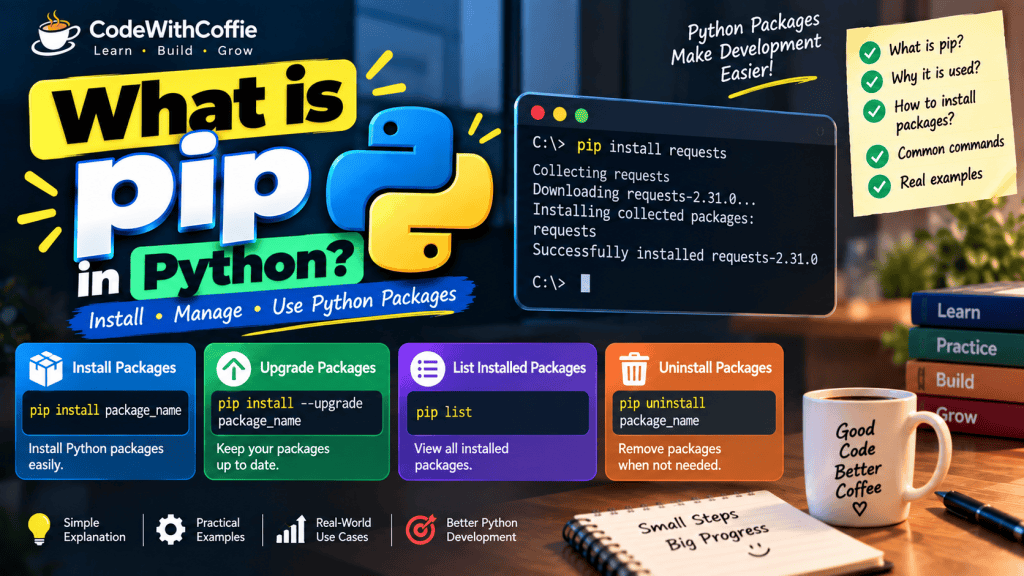
✅ What is pip?
pip is the default package manager for Python, used to install and manage external packages (libraries) that are not part of the Python standard library.
pip stands for “Pip Installs Packages”
It’s the default package manager for Python.
Used to install, upgrade, and remove Python packages from PyPI (Python Package Index).
Table of Contents
📦 What Does pip Do?
- Downloads packages from PyPI (Python Package Index)
- Installs, updates, and uninstalls Python packages/libraries
- Handles dependencies of packages
🟢 Example Usage:
pip install requestsThis command installs the requests library (used for HTTP requests).
🧱 2. Prerequisites
- Python version 3.4+ comes with pip by default.
- To check if installed:
pip --version python -m pip --version📦 3. Installing Packages
Basic Syntax:
pip install package_nameExamples:
pip install requests
pip install numpy
pip install flask==2.3.3      # Specific version
pip install 'Django>=3.2,<4.0' # Version range🔄 4. Upgrading & Downgrading Packages
pip install --upgrade package_name
pip install package_name==1.2.0 # Downgrade to specific version🚮 5. Uninstalling Packages
pip uninstall package_name📜 6. Requirements File (requirements.txt)
Create a file:
flask==2.3.3
requests>=2.25.1Install from file:
pip install -r requirements.txtExport installed packages:
pip freeze > requirements.txt🧰 7. pip Commands Overview
| Command | Description |
|---|---|
pip list | List all installed packages |
pip show <package> | Show info about installed package |
pip freeze | Output installed packages in requirements.txt format |
pip check | Check for broken dependencies |
pip search <package> | Search PyPI (deprecated in newer versions) |
pip install . | Install from current directory (setup.py) |
pip install -e . | Editable mode (used in development) |
🌍 8. Installing from Other Sources
From GitHub:
pip install git+https://github.com/psf/requests.gitFrom a .whl (wheel) file:
pip install package_name.whlFrom a .tar.gz source file:
pip install package_name.tar.gz⚙️ 9. Virtual Environments with pip
Create virtual env:
python -m venv envActivate:
- Windows:
env\Scripts\activate - Linux/macOS:
source env/bin/activate
Install packages inside venv:
pip install flask🛠️ 10. Common Options
| Option | Meaning |
|---|---|
--user | Install to user directory |
--upgrade | Upgrade a package |
--no-cache-dir | Avoid cache when installing |
--proxy | Use a proxy server |
📁 11. pip Configuration
Location of config files:
- Unix:
~/.pip/pip.conf - Windows:
%APPDATA%\pip\pip.ini
Example config:
[global]
timeout = 60
index-url = https://pypi.org/simple🧪 12. Advanced Usage
- Install multiple packages at once:
pip install numpy pandas matplotlib - Install editable package (for dev): bashCopyEdit
pip install -e . - Upgrade all packages (script):
pip list --outdated --format=freeze | grep -v '^\-e' | cut -d = -f 1 | xargs -n1 pip install -U - Install with extras:
pip install flask[async]
🛡️ 13. Troubleshooting
- Permission error:
pip install --user package_name- SSL error:
Use: python -m pip install package_name- pip not recognized:
- Add Python and Scripts folder to PATH
- Reinstall Python with pip option enabled
🏁 14. pipx (Advanced Tool)
Use pipx for installing CLI tools in isolated environments:
pip install pipx
pipx install black✅ Advantages of pip:
| 🔢 No. | ✅ Advantage | 🔍 Description |
|---|---|---|
| 1️⃣ | Easy to Use | Simple command-line tool to install and manage packages |
| 2️⃣ | Fast Installation | Installs packages directly from PyPI with dependencies |
| 3️⃣ | Access to Thousands of Packages | Works with PyPI.org, which hosts over 400,000+ packages |
| 4️⃣ | Dependency Management | Automatically installs required dependencies of a package |
| 5️⃣ | Version Control | Install specific versions using ==, >=, <= |
| 6️⃣ | Works with Virtual Environments | Keeps project dependencies isolated using venv or virtualenv |
| 7️⃣ | Upgrade/Downgrade | Easily upgrade or downgrade packages |
| 8️⃣ | Export Requirements | Use pip freeze > requirements.txt to save all installed packages |
| 9️⃣ | Custom Source Support | Can install from GitHub, .whl, .tar.gz, etc. |
| 🔟 | Platform Independent | Works on Windows, Linux, macOS equally well |
🧠 Summary:
pipmakes Python development easier, faster, and more organized- Essential tool for any Python developer
No comments yet! You be the first to comment.